Manage TikTok ad campaigns, creatives, audiences, and performance reports with full Marketing API access.
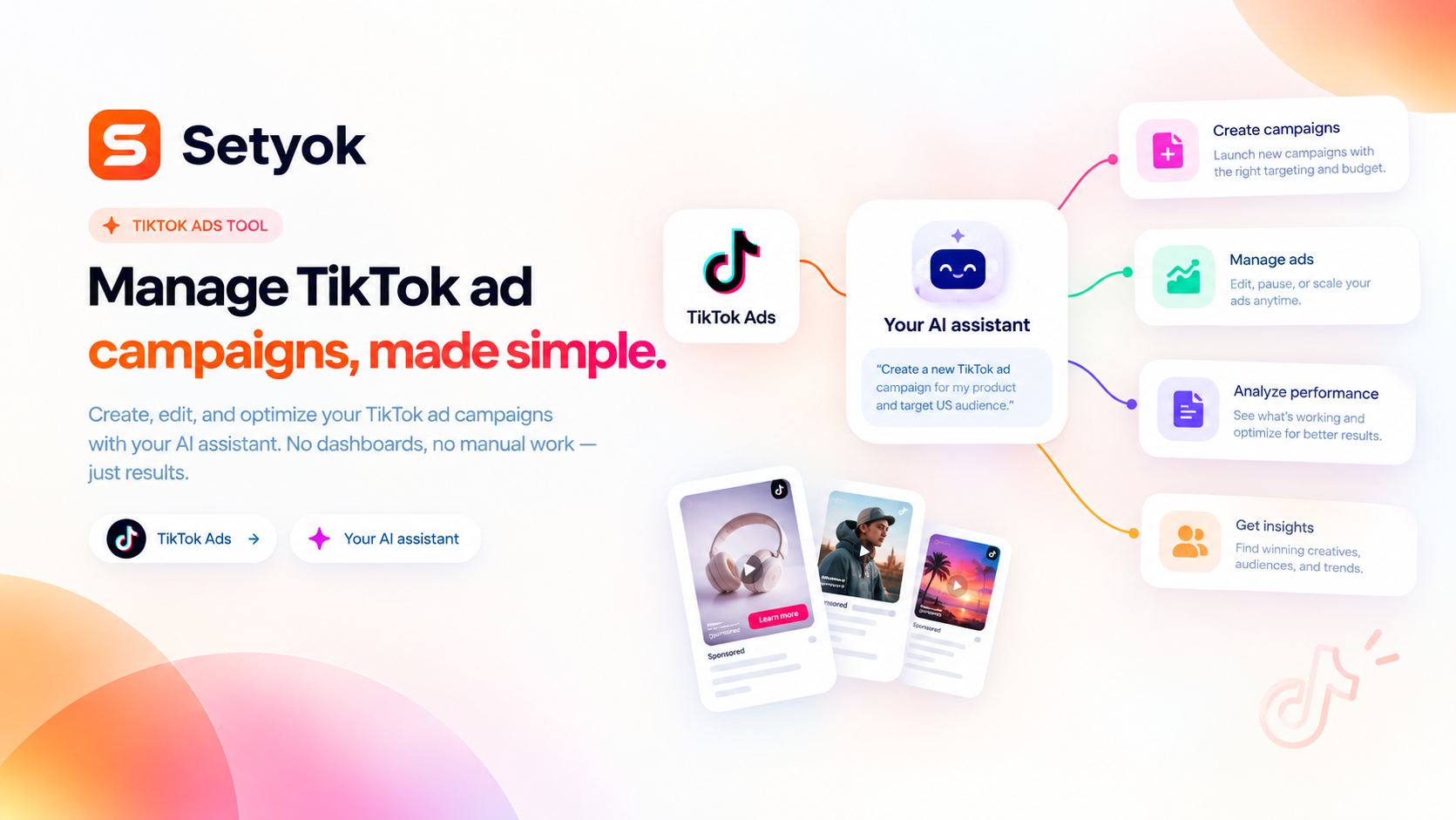
Add TikTok Ads to your AI assistant with one click. No code, no setup.
Or connect manually with any MCP-compatible assistant
https://setyok.com/tiktok-ads/mcp
What it can do
List Advertisers
List all TikTok advertiser accounts accessible to the connected user
List Campaigns
List campaigns in a TikTok advertiser account
Get Campaign
Get details of a specific TikTok campaign
Create Campaign
Create a new TikTok ad campaign
Update Campaign
Update campaign name, status, or budget
List Ad Groups
List ad groups in a campaign or advertiser account
Create Ad Group
Create a new ad group inside a campaign with targeting and budget
Update Ad Group
Update ad group name, status, or budget
List Ads
List ads in an ad group or advertiser account
Create Ad
Create a new ad linked to a video creative
Update Ad
Update an ad status, name, or copy
Upload Image
Upload an image to TikTok ad library by URL. Returns an image_id to use in ads.
List Images
List images in the TikTok ad library
Upload Video
Upload a video to TikTok ad library by URL. Returns a video_id to use in ads.
List Videos
List videos in the TikTok ad library
List Audiences
List custom audiences in a TikTok advertiser account
Delete Audience
Delete a custom audience
Get Campaign Insights
Get performance insights for campaigns (impressions, clicks, spend, CTR, CPC, conversions)
Get Ad Group Insights
Get performance insights for ad groups
Get Ad Insights
Get performance insights for individual ads
Get Account Insights
Get aggregate performance insights for an entire advertiser account
Full TikTok Ads API access for Claude, ChatGPT, and any AI assistant
The TikTok Ads MCP tool gives your AI assistant complete access to TikTok Ads Manager. Create campaigns, upload video creatives, manage audiences, run reports, and control every aspect of your TikTok advertising from a single conversation.
What your AI can do
- Advertisers: list all accessible advertiser accounts
- Campaigns: list, get, create, update campaigns with budget and objective control
- Ad groups: list, get, create, update ad groups with targeting and placement
- Ads: list, get, create, update individual ads
- Creatives: list and create video ad creatives
- Images: upload images for use in creatives
- Videos: upload videos for use in creatives
- Audiences: list and create custom audiences
- Insights: campaign, ad group, and ad-level performance reports
Compatible AI assistants
- Claude (claude.ai and Claude Desktop)
- ChatGPT with custom connectors
- Open WebUI, Cursor, Windsurf, and AI-powered editors
- Any custom agent or workflow built on MCP
Getting started
- Click Connect your TikTok account above
- Copy your endpoint URL and token
- Add the endpoint to your AI assistant under Settings or MCP servers
- Ask your AI: "Show me all my TikTok campaigns and their spend this week"
Add TikTok Ads to your AI assistant with one click. No code, no setup.
Or connect manually with any MCP-compatible assistant
https://setyok.com/tiktok-ads/mcp
Other tools
Meta Ads
Manage Meta (Facebook & Instagram) ad campaigns, creatives, audiences, and performance insights with full Marketing API access.
Google Ads
Manage Google Ads campaigns, get performance reports, and optimize your ad spend with AI.
Ad Insight
Spy on competitor ads running on Facebook, Instagram, and TikTok. Search by keyword or brand and see creatives, hooks, copy, and what products are being pushed hard.
Browser Actions
Ask a human to do something in their browser, navigate, click, screenshot, fill a form, or solve a captcha. The human completes the action and sends the result back.
Google Analytics
Query GA4 traffic, conversions, user behavior, and acquisition data for any property directly from your AI assistant.
FAQ
Use cases
- Ask your AI for a performance summary of all your TikTok campaigns this week
- Have your AI create a new TikTok campaign with ad groups and ads in one go
- Let your AI upload a video and create a TikTok ad creative from it
- Ask your AI to pause underperforming ad groups automatically
- Have your AI build a custom audience for retargeting
- Let your AI get ad-level insights to find the best-performing video
- Ask your AI to update budgets across all campaigns based on performance
- Have your AI generate a weekly spend and conversion report
Keywords