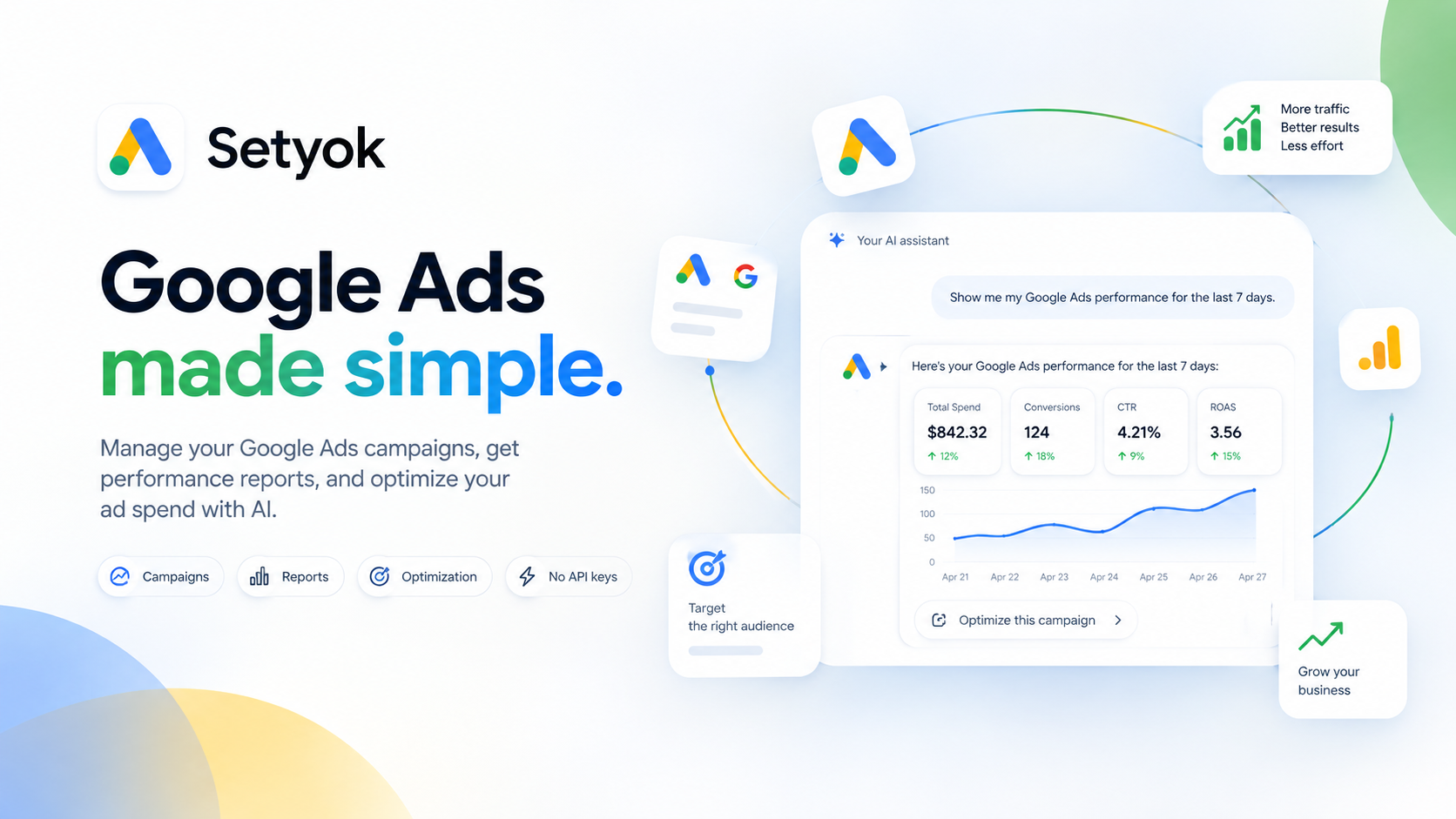
Manage Google Ads campaigns, get performance reports, and optimize your ad spend with AI.
Add Google Ads to your AI assistant with one click. No code, no setup.
Or connect manually with any MCP-compatible assistant
https://setyok.com/google-ads/mcp
What it can do
List Accounts
List all Google Ads customer accounts accessible with the connected login
Get Account Info
Get details about a Google Ads account: name, currency, time zone, status
List Campaigns
List campaigns in a Google Ads account with status and basic settings
Get Campaign Performance
Get performance metrics for campaigns: impressions, clicks, CTR, cost, conversions for a date range
Get Ad Group Performance
Get performance metrics for ad groups within a campaign
Get Keyword Performance
Get performance metrics for keywords in an ad group or campaign
Get Keyword Ideas
Generate keyword ideas from seed keywords or a URL for a given location and language
Pause Campaign
Pause a campaign to stop it from running and spending budget
Enable Campaign
Enable a paused campaign to resume running
Update Campaign Budget
Update the daily budget for a campaign
Get Recommendations
Get Google's automated optimization recommendations for an account
Apply Recommendation
Apply one of Google's automated recommendations to the account
Dismiss Recommendation
Dismiss one of Google's automated recommendations so it no longer appears
Update Campaign Name
Rename a campaign
Update Campaign Bidding
Change the bidding strategy for a campaign (target CPA, target ROAS, or manual CPC)
Pause Ad Group
Pause an ad group to stop its ads from running
Enable Ad Group
Enable a paused ad group to resume running its ads
Add Keywords
Add keywords to an ad group with match type and optional max CPC bid
Pause Keyword
Pause a keyword so it stops triggering ads
Enable Keyword
Enable a paused keyword to resume triggering ads
Update Keyword Bid
Update the max CPC bid for a keyword
Remove Keyword
Permanently remove a keyword from an ad group
List Ads
List all ads in an ad group with status and approval state
Pause Ad
Pause an individual ad
Enable Ad
Enable a paused ad to resume running
Create Responsive Search Ad
Create a new Responsive Search Ad (RSA) in an ad group with headlines, descriptions, and final URL
Get Search Terms Report
Get the search terms report showing actual queries that triggered your ads
Get Daily Spend
Get day-by-day cost breakdown for a campaign or the whole account
Get Geographic Performance
Get campaign performance broken down by country or region
Get Device Performance
Get campaign performance broken down by device (mobile, desktop, tablet)
List Assets
List uploaded image and video assets in the account
Upload Image Asset
Upload an image to Google Ads as a reusable asset. Provide either a public image URL or base64-encoded image data.
Add Youtube Video Asset
Register a YouTube video as a Google Ads asset by YouTube video ID so it can be used in video ads
Create Responsive Display Ad
Create a Responsive Display Ad using previously uploaded image assets. Use upload_image_asset first to get asset IDs.
Create Video Ad
Create a video ad using a YouTube video asset. Use add_youtube_video_asset first to register the video.
Create Campaign
Create a new Search, Display, or Video campaign with a daily budget and bidding strategy
Create Ad Group
Create a new ad group inside a campaign
List Negative Keywords
List negative keywords at the campaign or ad group level
Add Negative Keywords
Add negative keywords to a campaign or ad group to block ads from showing on unwanted queries
Get Auction Insights
Get auction insights showing how your ads compare against competitors in the same auctions. Requires a campaign_id.
List Conversion Actions
List all conversion actions (goals) configured in the account
Create Conversion Action
Create a new conversion action to track a goal such as a purchase, signup, or page visit
Get Ad Schedule
Get the ad schedule (dayparting) for a campaign showing which days and hours ads run
Set Ad Schedule
Set ad scheduling (dayparting) for a campaign, restricting when ads run and optionally adjusting bids by time slot
Create Sitelink Asset
Create a sitelink (an extra link shown below the ad) and attach it to a campaign
Create Callout Asset
Create callout snippets (e.g. "Free Shipping", "24/7 Support") and attach them to a campaign
Create Call Asset
Create a phone number asset shown with the ad and attach it to a campaign
List Campaign Assets
List all assets (sitelinks, callouts, calls, images) attached to a campaign
List User Lists
List remarketing audiences (user lists) in the account
Create User List
Create a remarketing audience list for website visitors or customers
Add Audience Targeting
Add a remarketing audience as targeting to an ad group
List Labels
List all labels in the account
Create Label
Create a new label to organize campaigns, ad groups, or keywords
Apply Label To Campaign
Apply a label to one or more campaigns
List Billing Setups
List billing setups for the account (needed to retrieve invoices)
List Invoices
List billing invoices for a given month. Use list_billing_setups first to get the billing_setup_id.
Connect Google Ads to Claude, ChatGPT, and any AI assistant
The Google Ads MCP tool gives your AI assistant direct access to your Google Ads account. Get performance reports, manage campaigns, research keywords, and optimize your ad spend without leaving your conversation.
Connect once via Google OAuth and your AI can query live campaign data, pause or enable campaigns, adjust budgets, and surface recommendations from Google's own optimization engine.
What your AI can do with Google Ads
Once connected, your AI assistant can work directly with your ad account:
- Performance reports: impressions, clicks, CTR, cost, conversions for campaigns and ad groups
- Campaign management: list, pause, enable campaigns and ad groups
- Budget tracking: see daily budgets, actual spend, budget utilization
- Keyword research: generate keyword ideas from seed terms or URLs
- Ad performance: compare ads within an ad group, find top and bottom performers
- Account recommendations: surface Google's automated recommendations for your account
- Multi-account access: list all accessible customer accounts under your login
Why use an AI with Google Ads?
Managing Google Ads manually means switching between dashboards, exporting CSVs, and interpreting tables. With MCP, your AI can pull live data and explain it in plain language, right inside your conversation.
Real things you can ask:
- "Which campaigns spent the most last week and what was their ROAS?"
- "Pause all ad groups with a CTR below 1% in the last 30 days"
- "Give me keyword ideas for solar panel installation services in Texas"
- "What does Google recommend I fix in my account right now?"
- "Compare my two search campaigns by cost per conversion this month"
How it works
The Google Ads MCP server connects through Setyok's hosted infrastructure using the same secure connection flow as any Google app. Your credentials are encrypted at rest and the AI model never sees them directly. You do not need to apply for any special access yourself.
Compatible AI assistants
This MCP server works with any assistant that supports the Model Context Protocol:
- Claude (claude.ai integrations and Claude Desktop)
- ChatGPT with custom connectors
- Microsoft Copilot Studio
- Open WebUI
- Cursor, Windsurf, and other AI-powered editors
- Any custom agent built with the MCP standard
Getting started
- Click Connect your Google Ads account above to authorize via Google OAuth.
- Copy your endpoint URL from this page.
- Add it to your AI assistant under Settings, Integrations, or MCP servers.
- Ask your AI: "List my Google Ads campaigns and their performance this month."
New Setyok accounts start with 100 free credits. Google Ads tool calls use 1 credit per call.
Add Google Ads to your AI assistant with one click. No code, no setup.
Or connect manually with any MCP-compatible assistant
https://setyok.com/google-ads/mcp
33
1
Other tools
Meta Ads
Manage Meta (Facebook & Instagram) ad campaigns, creatives, audiences, and performance insights with full Marketing API access.
TikTok Ads
Manage TikTok ad campaigns, creatives, audiences, and performance reports with full Marketing API access.
Ad Insight
Spy on competitor ads running on Facebook, Instagram, and TikTok. Search by keyword or brand and see creatives, hooks, copy, and what products are being pushed hard.
Google Analytics
Query GA4 traffic, conversions, user behavior, and acquisition data for any property directly from your AI assistant.
Google Search Console
Query search performance, top queries, page rankings, and index coverage from Google Search Console directly in your AI assistant.
FAQ
Use cases
- Ask your AI for a performance summary of all your campaigns this month
- Let your AI pause underperforming ad groups automatically
- Have your AI generate keyword ideas for a new campaign
- Ask your AI which campaigns are overspending their daily budget
- Let your AI compare click-through rates across all your active campaigns
- Have your AI adjust bids on specific keywords based on conversion data
- Ask your AI to list all campaigns with a quality score below a threshold
- Let your AI summarize what recommendations Google has for your account
- Have your AI find which ads are getting the most impressions this week
- Ask your AI to create a new ad group with specific keywords
Keywords