Query GA4 traffic, conversions, user behavior, and acquisition data for any property directly from your AI assistant.
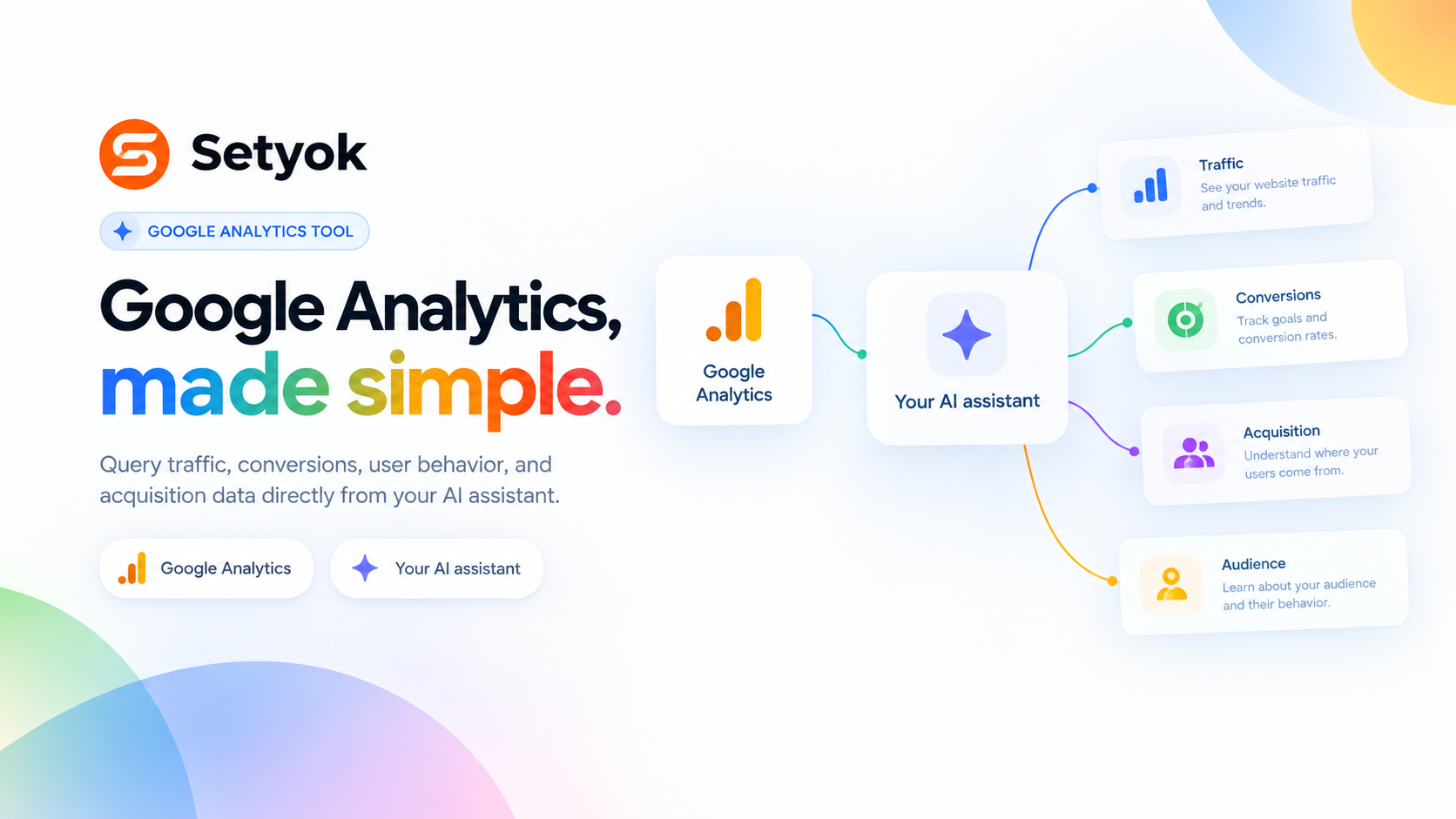
Add Google Analytics to your AI assistant with one click. No code, no setup.
Or connect manually with any MCP-compatible assistant
https://setyok.com/google-analytics/mcp
What it can do
List Properties
List all GA4 properties accessible from the connected Google account.
Get Traffic Overview
Get sessions, users, pageviews, bounce rate, and average session duration for a property and date range.
Get Acquisition Report
Break down traffic by channel, source, medium, or campaign to see where users are coming from.
Get Top Pages
List the top pages by sessions, engaged sessions, or conversions.
Get Conversions
Get conversion counts broken down by event name and channel to see what is driving goal completions.
Get Audience Breakdown
Break down users by country, city, device category, browser, or OS.
Get Realtime
Get active users right now, broken down by page, country, and device.
Compare Periods
Compare key metrics between two date ranges side by side, e.g. this month vs last month.
Your GA4 data, in your AI conversation
Connect Google Analytics and let your AI pull traffic reports, conversion data, audience breakdowns, and acquisition analysis without you opening the dashboard.
Ask plain questions and get structured answers: where your traffic is coming from, which pages convert, which channels are growing, how users behave after clicking your ads.
What your AI can do
- List properties -- see all GA4 properties accessible from your connected account
- Traffic overview -- sessions, users, pageviews, bounce rate, and session duration for any date range
- Acquisition report -- break traffic down by channel, source, medium, or campaign
- Top pages -- rank pages by sessions, engaged sessions, or conversions
- Conversion report -- see which events and goals are converting, and from which channels
- Audience breakdown -- users by country, city, device, browser, and OS
- Retention and engagement -- new vs returning users, engagement rate, average session duration
- Real-time overview -- active users right now, top pages, and active countries
Getting started
Connect your Google account using the OAuth button above. No configuration needed beyond that.
Add Google Analytics to your AI assistant with one click. No code, no setup.
Or connect manually with any MCP-compatible assistant
https://setyok.com/google-analytics/mcp
Other tools
Google Search Console
Query search performance, top queries, page rankings, and index coverage from Google Search Console directly in your AI assistant.
Google Ads
Manage Google Ads campaigns, get performance reports, and optimize your ad spend with AI.
TikTok Ads
Manage TikTok ad campaigns, creatives, audiences, and performance reports with full Marketing API access.
Image Generation
Generate stunning images from text prompts using GPT Image 2. Choose your quality level or generate with reference images for editing and style transfer.
Browser Actions
Ask a human to do something in their browser, navigate, click, screenshot, fill a form, or solve a captcha. The human completes the action and sends the result back.
FAQ
Use cases
- Ask your AI which pages drove the most conversions last month
- Have your AI break down traffic by channel and compare to the previous period
- Let your AI identify which ad campaigns are sending the most converting traffic
- Ask your AI to pull a full traffic overview for a specific date range
- Have your AI compare mobile vs desktop conversion rates
- Ask your AI which countries are sending the most engaged users
- Let your AI pull real-time active users during a campaign launch
- Have your AI find which landing pages have the highest bounce rate
Keywords