Generate stunning images from text prompts using GPT Image 2. Choose your quality level or generate with reference images for editing and style transfer.
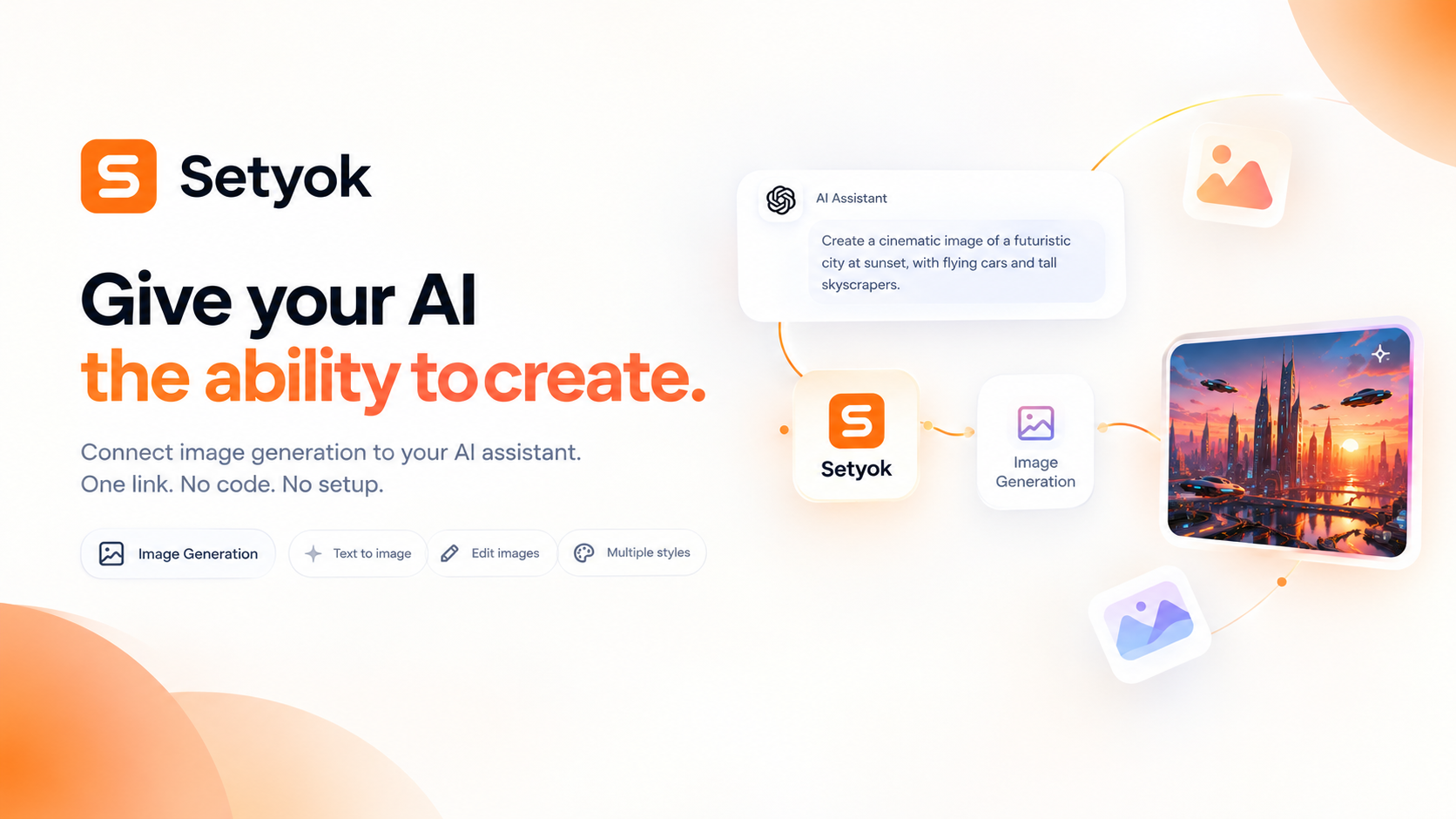
Add Image Generation to your AI assistant with one click. No code, no setup.
Or connect manually with any MCP-compatible assistant
https://setyok.com/image-gen/mcp
What it can do
Generate Image (Low Quality)
Generate an image from a text prompt, low quality, fast and cheap (2 credits)
Generate Image (Medium Quality)
Generate an image from a text prompt, medium quality, balanced results (13 credits)
Generate Image (High Quality)
Generate an image from a text prompt, high quality, best results (39 credits)
Generate Image with References
Generate a new image guided by up to 2 reference images, for editing, style transfer, or combining subjects, always high quality (60 credits)
Generate Image
Generate one or more images with full quality and count control. Credits depend on quality and count.
Generate images with your AI assistant using GPT Image 2
The Image Generation MCP tool gives your AI assistant the ability to create, edit, and transform images on demand, directly inside your conversation. No switching to a separate app, no copy-pasting prompts, no manual downloads. Your AI generates the image and returns it right where you are.
Powered by GPT Image 2, this tool supports text-to-image generation across multiple quality levels and aspect ratios, as well as reference-guided generation for editing, style transfer, and image combination.
What your AI can generate
Once connected, your AI can produce images for virtually any use case:
- Text to image: describe anything in natural language and your AI generates a matching image
- Aspect ratio control: generate in 1:1, 16:9, 9:16, 4:3, 3:4, 3:2, 2:3, or 21:9 for any platform or format
- Quality tiers: choose low for fast drafts, medium for balanced output, or high for final-quality results
- Reference-guided generation: pass up to 2 existing images as references to edit, restyle, or combine them into something new
Why generate images inside your AI chat?
Most image generation tools require you to leave your conversation, go to a separate interface, write a prompt, download the result, and bring it back. With this MCP tool, your AI handles the entire flow without you moving anywhere.
Real things you can do:
- "Generate a hero banner for my landing page in 16:9 with a minimalist tech aesthetic"
- "Create a product photo of a ceramic mug on a wooden table, soft natural lighting"
- "Edit this image to change the background to a sunset"
- "Combine these two reference images: take the person from the first and put them in the scene from the second"
- "Generate three variations of this logo concept at low quality so we can pick one to refine"
- "Illustrate this blog post about urban farming with a photorealistic aerial image"
Your AI can also chain image generation with other tasks: write a product description and generate the matching image in the same conversation, create a mood board from a brief, or produce visual assets as part of a longer workflow.
Quality levels and pricing
Each tool has a fixed credit cost so you always know what you are paying before the call is made.
| Tool | Quality | Credits | Best for |
|---|---|---|---|
| generate_image_low | Low | 2 | Drafts, iteration, quick previews |
| generate_image_medium | Medium | 13 | Presentations, social media, most use cases |
| generate_image_high | High | 39 | Final assets, print, hero images |
| generate_image_with_references | High | 60 | Editing, style transfer, combining images |
Compatible AI assistants
The Image Generation MCP tool works with any assistant that supports the Model Context Protocol:
- Claude (claude.ai and Claude Desktop)
- ChatGPT with custom connectors
- Open WebUI
- Cursor, Windsurf, and AI-powered editors
- Any custom agent or workflow built on MCP
Getting started
- Copy your endpoint URL and token from this page
- Add the endpoint to your AI assistant under Settings or MCP servers
- Ask your AI to generate an image: "Generate a photorealistic image of a lighthouse at sunset in 16:9"
New Setyok accounts start with 100 free credits, enough to generate several images right away.
Add Image Generation to your AI assistant with one click. No code, no setup.
Or connect manually with any MCP-compatible assistant
https://setyok.com/image-gen/mcp
47
1
Other tools
Audio Generation
Convert text to natural-sounding speech using ElevenLabs. Choose from thousands of voices, clone your own voice, and get a ready-to-use audio link.
Video Generation
Generate videos from text prompts or reference images using Google Veo 3.1. Choose resolution and aspect ratio, or animate from a first or last frame.
Music Generation
Generate original music from a text prompt. Full songs with structure or short 30-second clips, describe what you want and your AI composes it.
Video Edit
Edit and transform existing videos with a text prompt. Change styles, apply effects, or reinterpret a scene using FLUX Video Edit.
Media Editor
Edit, convert, and transform audio and video files using FFmpeg. Stitch clips, overlay tracks, crop, cut, extract frames, detect silences, and more.
FAQ
Use cases
- Ask your AI to generate a product mockup image from a written description
- Have your AI create social media visuals directly inside your conversation
- Generate concept art or mood board images for a project brief
- Ask your AI to produce a logo draft from a text description of your brand
- Let your AI illustrate a blog post or article with a matching generated image
- Generate multiple image variations of a scene by adjusting the prompt
- Ask your AI to edit an existing image by providing it as a reference
- Have your AI combine two reference images into a new creative composition
- Generate profile picture variations from a reference photo
- Ask your AI to produce a banner or cover image in a specific aspect ratio
- Let your AI generate storyboard frames from a script
- Have your AI create a before and after image pair for a product
Keywords