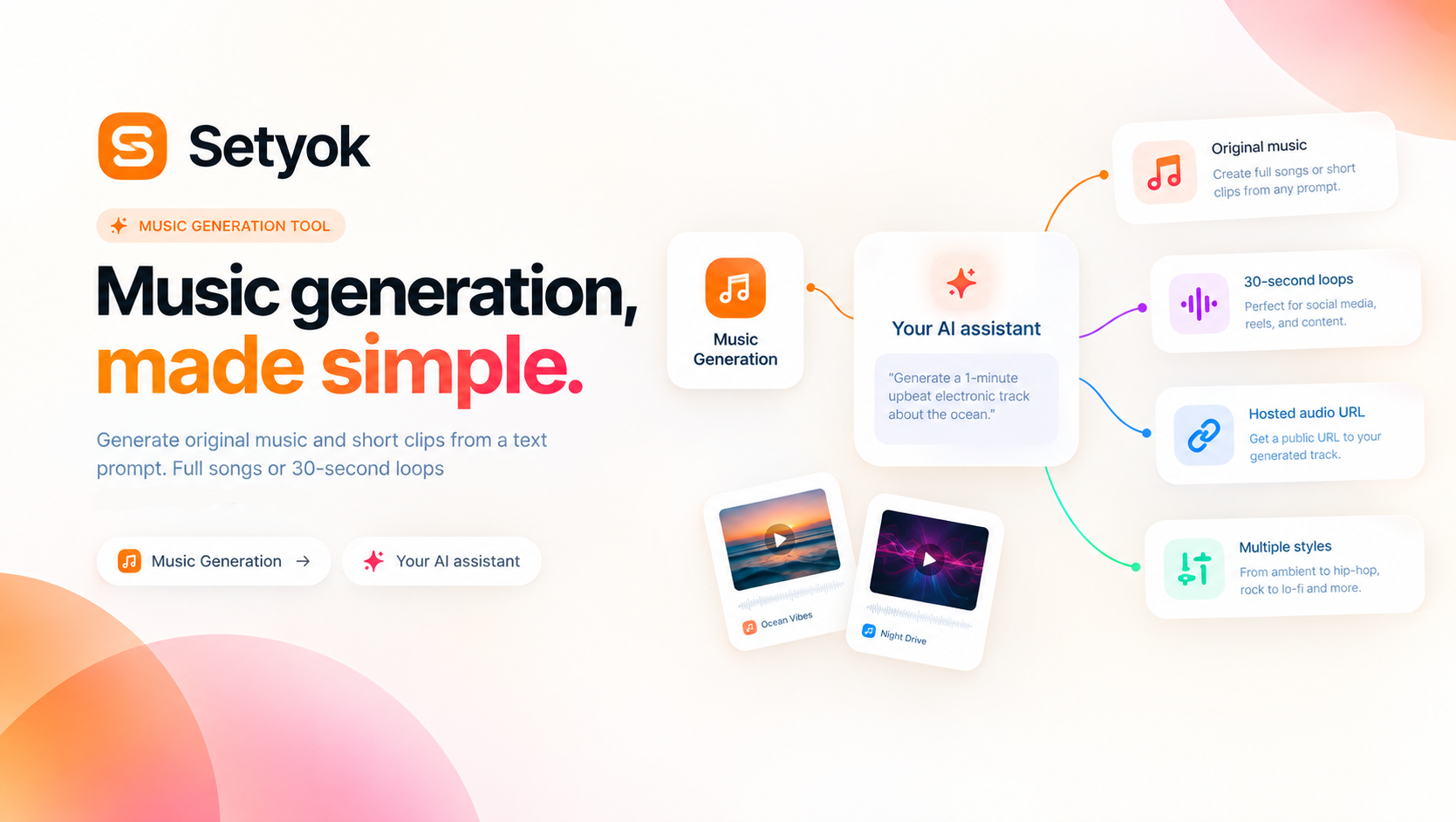
Generate original music from a text prompt. Full songs with structure or short 30-second clips, describe what you want and your AI composes it.
Add Music Generation to your AI assistant with one click. No code, no setup.
Or connect manually with any MCP-compatible assistant
https://setyok.com/music-gen/mcp
What it can do
Generate Song
Generate a full-length original song from a text prompt. Produces a complete track with verses, choruses, and bridges.
Generate Clip
Generate a short 30-second music clip or loop from a text prompt. Great for background tracks, social ads, and looping audio.
Original music, generated from a prompt
The Music Generation tool lets your AI compose original music from a text description. Describe the genre, mood, instruments, and tempo, your AI produces a full-length song or a 30-second clip you can play or download instantly.
No sound libraries, no sample packs, no composer needed. Just describe what you want and your AI creates it.
Two generation modes
Full songs produce complete musical pieces with structure: intro, verse, chorus, bridge, and outro. Use this when you need a track that develops and tells a story, product videos, presentations, or any content that needs real musical depth.
Short clips produce 30-second audio segments, optimized for loops, previews, and background tracks. Use this when you need something that repeats cleanly, social ads, app audio, podcast intros, or any looping use case.
Both modes produce high-quality audio you can use immediately.
What you can create
- Background tracks for video ads, product demos, and social content
- Jingles and sonic branding for campaigns
- Podcast intros and outros
- Looping ambient music for games, apps, or interactive experiences
- Cinematic soundtracks for presentations or pitch videos
- Multiple genre variations to A/B test creative direction
Writing effective prompts
The more specific your prompt, the better the result:
- Include genre: electronic, jazz, cinematic, lo-fi hip hop, folk, orchestral
- Include mood: uplifting, tense, melancholic, energetic, calm, mysterious
- Include tempo or feel: 120 BPM, fast-paced, slow and building, driving beat
- Include instruments: piano, strings, synth, guitar, drums, brass
Example: "Cinematic orchestral piece, slow build from quiet strings to full orchestra, emotional and uplifting, suitable for a product launch reveal"
Compatible AI assistants
- Claude (claude.ai and Claude Desktop)
- ChatGPT with custom connectors
- Open WebUI, Cursor, Windsurf, and MCP-compatible editors
- Any custom agent or workflow built on MCP
Getting started
- Copy your endpoint URL and token from this page
- Add the endpoint to your AI assistant under Settings or MCP servers
- Ask your AI: "Generate an upbeat background music track for a 30-second product video"
Add Music Generation to your AI assistant with one click. No code, no setup.
Or connect manually with any MCP-compatible assistant
https://setyok.com/music-gen/mcp
4
1
Other tools
Image Generation
Generate stunning images from text prompts using GPT Image 2. Choose your quality level or generate with reference images for editing and style transfer.
Audio Generation
Convert text to natural-sounding speech using ElevenLabs. Choose from thousands of voices, clone your own voice, and get a ready-to-use audio link.
Video Generation
Generate videos from text prompts or reference images using Google Veo 3.1. Choose resolution and aspect ratio, or animate from a first or last frame.
Video Edit
Edit and transform existing videos with a text prompt. Change styles, apply effects, or reinterpret a scene using FLUX Video Edit.
Media Editor
Edit, convert, and transform audio and video files using FFmpeg. Stitch clips, overlay tracks, crop, cut, extract frames, detect silences, and more.
FAQ
Use cases
- Generate a background music track for a product video from a one-line description
- Create a short 30-second music loop for a social media ad
- Ask your AI to compose a cinematic soundtrack for a presentation
- Generate multiple music variations from the same prompt and pick the best one
- Produce a jingle for a brand campaign without hiring a composer
- Create mood-specific background music for a podcast intro or outro
- Generate a looping clip for a game, app, or interactive prototype
- Ask your AI to produce royalty-free background music for a YouTube video
Keywords