Generate images, videos, voiceovers, and edit media in one place. Everything you need to produce polished content directly from your AI assistant.
Add Content Creator to your AI assistant with one click. No code, no setup.
Or connect manually with any MCP-compatible assistant
https://setyok.com/content-creator/mcp
Included tools
What it can do
Skill Readme
Get guidance on how to use produce the best output with this kit and its toos. Read this before using the tools or planning anything
Generate Image (Low Quality)
Generate an image from a text prompt, low quality, fast and cheap (2 credits)
Generate Image (Medium Quality)
Generate an image from a text prompt, medium quality, balanced results (13 credits)
Generate Image (High Quality)
Generate an image from a text prompt, high quality, best results (39 credits)
Generate Image with References
Generate a new image guided by up to 2 reference images, for editing, style transfer, or combining subjects, always high quality (60 credits)
Generate Image
Generate one or more images with full quality and count control. Credits depend on quality and count.
Check Video Status
Check the status of any video generation job (Veo, Seedance, or Kling). Returns the video URL when completed. Call every 15-30 seconds (0 credits)
Generate Video (Veo 3.1 Lite)
Submit a video generation job with full control over resolution, duration, and frame references. Credits scale with duration at 90 credits per second.
Generate Video (Seedance 2.5)
Submit a video generation job using ByteDance Seedance 2.5. Supports 4–30s duration, multiple aspect ratios, first/last frame, image and video references. Credits scale with duration.
Check Kling Voice Status
Check the status of a Kling voice creation job. Returns the voice_id when ready. Call every 10 seconds after create_voice_kling (0 credits)
Create Kling Voice
Upload an audio or video sample to create a Kling voice ID for use with Kling video generation. Audio must be 5–30 seconds with clean, single-voice audio. Returns a voice_request_id poll check_voice_kling_status to get the voice_id.
Generate Video (Kling O3)
Generate a video using Kling O3 via fal.ai. Supports start/end frames, reference images, elements referenced by name in the prompt, and audio. Returns a job_id to poll with check_kling_video_status. Credits scale with duration.
Edit Video
Transform a video with a text prompt, change style, apply effects, or reinterpret the scene. Returns a job_id, use check_video_edit_status to get the result (450 credits)
Check Video Edit Status
Check the status of a video edit job. Returns the edited video URL when completed. Call every 15-30 seconds (0 credits)
List Voices
List all available voices with their IDs and descriptions. Use voice IDs with generate_speech (0 credits)
Generate Speech
Convert text to speech using a chosen voice. Returns an audio file your AI can share directly. Credits scale with text length.
Clone Voice
Create an instant voice clone from one or more audio sample URLs. Returns a voice_id you can use with generate_speech (10 credits per sample)
Isolate Voice
Remove background noise from an audio file, keeping only the voice. Provide a URL to the audio file. Returns a cleaned-up hosted MP3.
Generate Dialogue
Generate multi-speaker dialogue from a script using ElevenLabs. Each line is assigned a voice. Use audio tags like [cheerfully] or [stuttering] to guide delivery. Max ~2000 chars total.
Generate Music
Generate an original music track from a text prompt using ElevenLabs Music API. Describe genre, tempo, mood, and instrumentation. Returns a hosted MP3 URL.
Generate Sound Effect
Generate a sound effect from a text description using ElevenLabs. Supports cinematic, ambient, Foley, and musical elements. Credits scale with duration (40 credits/second when duration is specified, minimum 1 credit).
Generate Song
Generate a full-length original song from a text prompt. Produces a complete track with verses, choruses, and bridges.
Generate Clip
Generate a short 30-second music clip or loop from a text prompt. Great for background tracks, social ads, and looping audio.
Convert Media
Convert a media file to a different format or codec (2 credits)
Read Image
Load an image from a URL or base64 data URL and return it as ImageContent so vision-capable models can see it (1 credit)
Stitch Clips
Concatenate up to 10 clips into one continuous file in order, with optional crossfade or fade transitions (5 credits)
Overlay Tracks
Overlay a second video or audio track on top of a base clip, with optional scale and position (5 credits)
Add Padding
Insert silence and/or black frames at the start or end of an audio or video clip (5 credits)
Crop Video
Crop the video frame to a specific width, height, and position (5 credits)
Cut Clip
Extract a segment from a media file by start time and duration (5 credits)
Cut Silences
Automatically detect and remove silent segments from an audio or video file (5 credits)
Detect Range
Detect where real content starts and ends: video (black frames) and audio (silence) boundaries (1 credit)
Resize Video
Scale a video to a specific resolution or by percentage, preserving or ignoring aspect ratio (5 credits)
Add Text Overlay
Burn text onto a video with control over font, size, color, position, and time range (5 credits)
Adjust Speed
Speed up or slow down a video or audio clip (5 credits)
Adjust Audio
Normalize volume, adjust gain, change pitch, or apply bass/treble EQ to an audio or video file (5 credits)
Merge Audio & Video
Combine a separate video track and audio track into a single file (5 credits)
Apply Filters
Apply color grading and visual filters to a video: brightness, contrast, saturation, hue, gamma, vignette, and LUT presets (5 credits)
Generate Subtitles
Burn styled subtitles into a video using VEED via fal.ai. Choose from 30 presets including TikTok-style animated word highlights. Supports translation. Returns a job_id to poll with check_subtitles_status.
Check Subtitles Status
Check the status of a subtitle generation job. Returns the video URL when completed. Call every 30 seconds (0 credits)
Extract Frame
Extract a single frame from a video at a specific timestamp and return it as an image (1 credit)
Lipsync: Audio to Video
Sync an audio file to a video of a person speaking. Generates realistic lip movements matching the audio. Returns a job_id to poll with check_lipsync_status (15 credits)
Lipsync: Text to Video
Generate speech from text and sync it to a video of a person speaking. Returns a job_id to poll with check_lipsync_status (15 credits)
Check Lipsync Status
Check the status of a lipsync job. Returns the video URL when completed. Call every 30 seconds after submitting (0 credits)
Search Videos
Search YouTube for videos by keyword. Filter by date, duration, and sort order.
Get Video
Get full details, stats, and metadata for a YouTube video by its ID.
Get Channel
Get details and stats for any YouTube channel by ID or handle.
Get My Channel
Get details and stats for the connected YouTube channel.
List My Videos
List videos uploaded to the connected YouTube channel with view, like, and comment counts.
Get Video Comments
Get top comments on a YouTube video, sorted by relevance or date.
Search Channels
Search YouTube for channels by keyword.
Get Video Stats
Get view count, like count, comment count, and favorite count for one or more videos.
Upload Video
Upload a video to your YouTube channel from a public URL. Set the title, description, tags, category, and privacy status.
Update Video
Update the title, description, tags, or category of a video on your channel.
One connection for your entire creative workflow
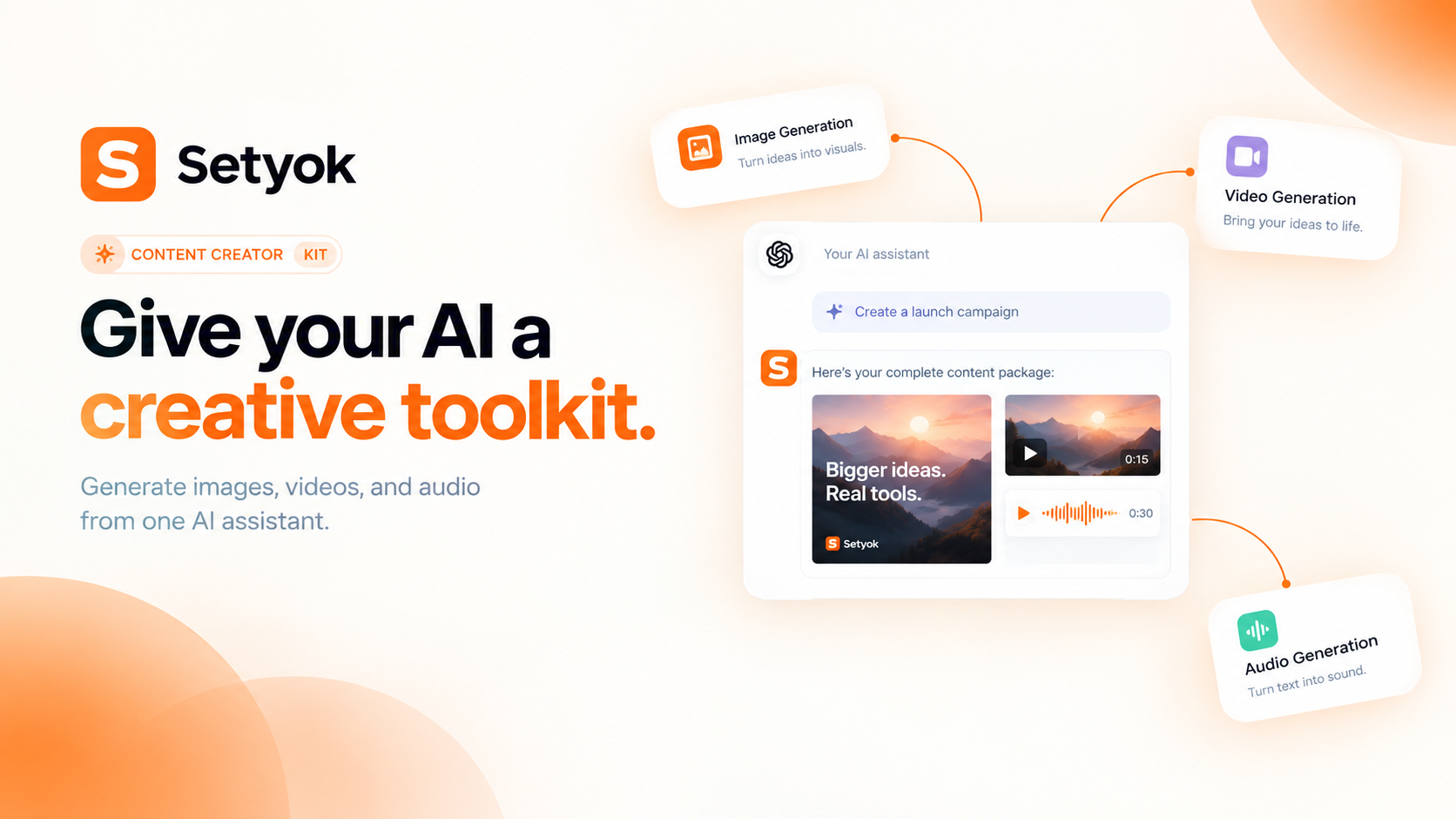
The Content Creator kit bundles image generation, video generation, text-to-speech, and media editing into a single MCP endpoint. Connect once and your AI can produce, narrate, and post-process media without switching between multiple servers or tools.
This is not a collection of separate integrations. It is a unified creative studio your AI can orchestrate end-to-end: generate an image, animate it into a video, write a voiceover script, synthesize the narration, mix the audio onto the video, and export the final file, all in one conversation.
What your AI can do
Image generation powered by GPT Image 2:
- Generate images from text prompts at low, medium, or high quality
- Control aspect ratio: 1:1, 16:9, 9:16, 4:3, 3:4, 3:2, 2:3, 21:9
- Use reference images for editing, style transfer, and subject combination
- Generate multiple variations in parallel for faster iteration
Video generation powered by Seedance 2.5:
- Generate short video clips from text prompts at 480p or 720p
- Animate a starting image into a video using first-frame-guided generation
- Configure aspect ratio and duration up to 30 seconds
- Optionally generate audio alongside the video
Audio generation powered by Grok Voice TTS:
- Convert any text to natural-sounding speech in five voices
- Receive a hosted MP3 URL instantly, no post-processing required
- Choose voice based on tone: professional, warm, authoritative, neutral, or energetic
Media editing powered by server-side FFmpeg:
- Stitch multiple video clips into one continuous file
- Overlay an audio track onto a video with volume control
- Crop or reframe video to a specific resolution or aspect ratio
- Trim a clip to a start and end time
- Remove silences automatically from a recording
- Convert between formats: MP4, WebM, MOV, GIF, MP3, AAC, WAV, and more
- Extract a specific frame from a video as an image
Real things you can do in one conversation
- "Generate a product photo of the bag, animate it into a 5-second loop, and write a 10-second narration script, then synthesize it and mix it onto the video"
- "Create three low-quality thumbnail concepts for my video, then upscale the best one to high quality"
- "Take this screen recording, remove all the silences, and convert it to MP4"
- "Generate a cinematic 16:9 b-roll clip of a city at night, then stitch it with this intro clip I have"
- "Write a voiceover for this product description, generate it in the ara voice, and overlay it onto this video"
- "Generate a 9:16 hero image for Instagram, then crop a 16:9 version for YouTube"
Why this kit vs. individual tools
Each tool in the kit is also available separately. The kit exists because creative workflows almost always span multiple media types. When your AI has access to all four tools in one session, it can plan and execute multi-step production tasks without you having to coordinate between separate connections or copy-paste URLs between conversations.
Compatible AI assistants
The Content Creator kit works with any assistant that supports the Model Context Protocol:
- Claude (claude.ai and Claude Desktop)
- ChatGPT with custom connectors
- Open WebUI, Cursor, Windsurf, and MCP-compatible editors
- Any custom agent or workflow built on MCP
Getting started
- Copy your endpoint URL and token from this page
- Add the endpoint to your AI assistant under Settings or MCP servers
- Ask your AI to create content: "Generate a product image and animate it into a short video"
New Setyok accounts start with 100 free credits.
Add Content Creator to your AI assistant with one click. No code, no setup.
Or connect manually with any MCP-compatible assistant
https://setyok.com/content-creator/mcp
453
2
FAQ
Use cases
- Generate a product image, animate it into a video, and add a voiceover narration in one conversation
- Produce a short video ad from a prompt, then stitch it with a branded intro clip
- Create a YouTube thumbnail, trailer clip, and narration without leaving your AI chat
- Generate a social media visual, crop it to the right aspect ratio, and overlay a background music track
- Convert a raw screen recording to MP4, cut out all silences, and get a clean final cut
- Build a full campaign asset set: hero image, video teaser, and audio script all in one session
- Animate a product photo into a short video loop, then narrate it with a professional voiceover
- Ask your AI to illustrate a blog post, generate a matching audio version, and combine them into a video
- Stitch multiple generated clips into a single continuous video and mix in background audio
- Generate image variations at low quality to pick a concept, then upscale the winner to high quality
Keywords