Convert text to natural-sounding speech using ElevenLabs. Choose from thousands of voices, clone your own voice, and get a ready-to-use audio link.
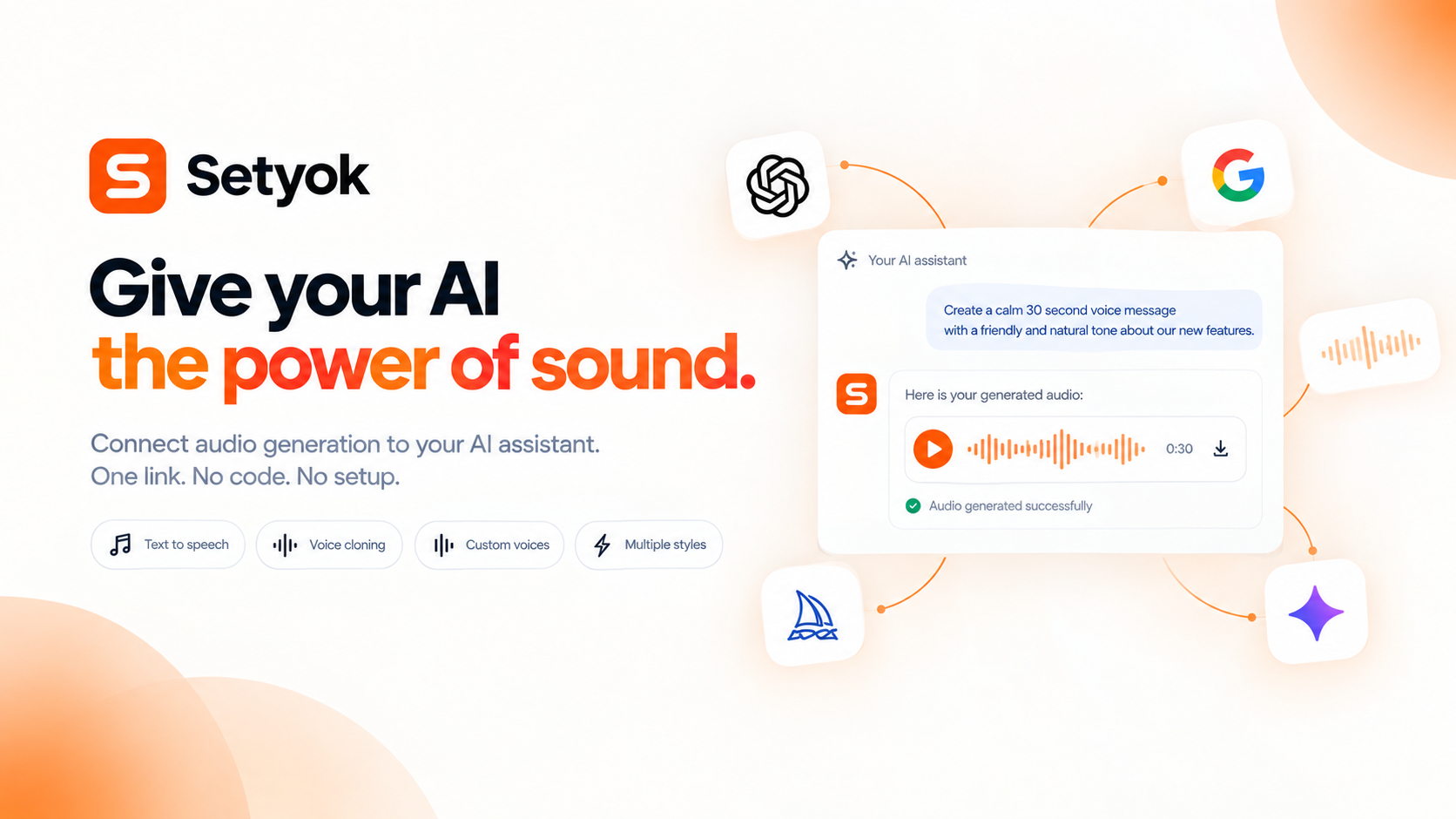
Add Audio Generation to your AI assistant with one click. No code, no setup.
Or connect manually with any MCP-compatible assistant
https://setyok.com/audio-gen/mcp
What it can do
List Voices
List all available voices with their IDs and descriptions. Use voice IDs with generate_speech (0 credits)
Generate Speech
Convert text to speech using a chosen voice. Returns an audio file your AI can share directly. Credits scale with text length.
Clone Voice
Create an instant voice clone from one or more audio sample URLs. Returns a voice_id you can use with generate_speech (10 credits per sample)
Isolate Voice
Remove background noise from an audio file, keeping only the voice. Provide a URL to the audio file. Returns a cleaned-up hosted MP3.
Generate Dialogue
Generate multi-speaker dialogue from a script using ElevenLabs. Each line is assigned a voice. Use audio tags like [cheerfully] or [stuttering] to guide delivery. Max ~2000 chars total.
Generate Music
Generate an original music track from a text prompt using ElevenLabs Music API. Describe genre, tempo, mood, and instrumentation. Returns a hosted MP3 URL.
Generate Sound Effect
Generate a sound effect from a text description using ElevenLabs. Supports cinematic, ambient, Foley, and musical elements. Credits scale with duration (40 credits/second when duration is specified, minimum 1 credit).
Add text-to-speech and voice cloning to your AI assistant
The Audio Generation MCP tool gives your AI assistant the ability to synthesize natural-sounding speech from any text and clone voices from audio samples, directly inside your conversation.
Powered by ElevenLabs, this tool gives access to thousands of voices across languages and lets you create your own cloned voice in seconds.
What your AI can do
- Text to speech: convert any text to a natural-sounding MP3 with a voice of your choice
- Voice cloning: upload one or more audio samples and create a custom voice your AI can use immediately
- List voices: browse all available voices with their IDs, languages, and descriptions
Available voices
Use the list_voices tool to see all voices available to your account. ElevenLabs provides hundreds of pre-made voices across languages and styles, plus any voices you have cloned.
Compatible AI assistants
- Claude (claude.ai and Claude Desktop)
- ChatGPT with custom connectors
- Open WebUI
- Cursor, Windsurf, and AI-powered editors
- Any custom agent or workflow built on MCP
Getting started
- Copy your endpoint URL and token from this page
- Add the endpoint to your AI assistant under Settings or MCP servers
- Ask your AI: "List available voices and read this paragraph aloud"
New Setyok accounts start with 100 free credits.
Add Audio Generation to your AI assistant with one click. No code, no setup.
Or connect manually with any MCP-compatible assistant
https://setyok.com/audio-gen/mcp
39
1
Other tools
Video Generation
Generate videos from text prompts or reference images using Google Veo 3.1. Choose resolution and aspect ratio, or animate from a first or last frame.
Image Generation
Generate stunning images from text prompts using GPT Image 2. Choose your quality level or generate with reference images for editing and style transfer.
Music Generation
Generate original music from a text prompt. Full songs with structure or short 30-second clips, describe what you want and your AI composes it.
Video Edit
Edit and transform existing videos with a text prompt. Change styles, apply effects, or reinterpret a scene using FLUX Video Edit.
Media Editor
Edit, convert, and transform audio and video files using FFmpeg. Stitch clips, overlay tracks, crop, cut, extract frames, detect silences, and more.
FAQ
Use cases
- Have your AI read an article or document aloud as an MP3
- Generate a voiceover for a video script directly inside your conversation
- Clone your own voice and use it for any narration
- Ask your AI to produce a narration track for a presentation
- Convert meeting notes into an audio summary you can listen to on the go
- Have your AI generate a podcast-style intro from a text brief
- Generate multilingual audio versions of the same text
- Have your AI read back a long email as audio to save time
Keywords