Edit, convert, and transform audio and video files using FFmpeg. Stitch clips, overlay tracks, crop, cut, extract frames, detect silences, and more.
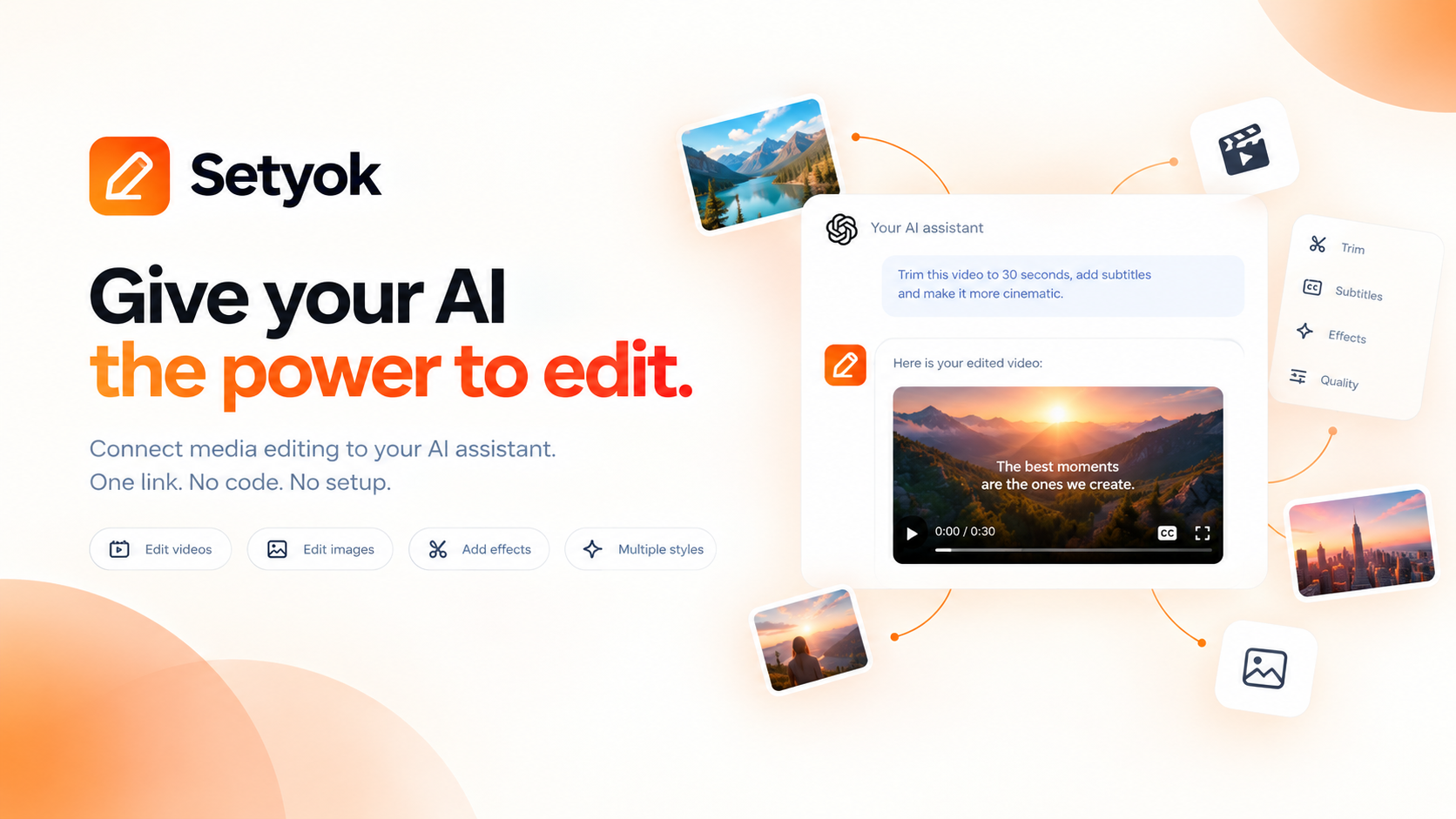
Add Media Editor to your AI assistant with one click. No code, no setup.
Or connect manually with any MCP-compatible assistant
https://setyok.com/media-edit/mcp
What it can do
Convert Media
Convert a media file to a different format or codec (2 credits)
Read Image
Load an image from a URL or base64 data URL and return it as ImageContent so vision-capable models can see it (1 credit)
Stitch Clips
Concatenate up to 10 clips into one continuous file in order, with optional crossfade or fade transitions (5 credits)
Overlay Tracks
Overlay a second video or audio track on top of a base clip, with optional scale and position (5 credits)
Add Padding
Insert silence and/or black frames at the start or end of an audio or video clip (5 credits)
Crop Video
Crop the video frame to a specific width, height, and position (5 credits)
Cut Clip
Extract a segment from a media file by start time and duration (5 credits)
Cut Silences
Automatically detect and remove silent segments from an audio or video file (5 credits)
Detect Range
Detect where real content starts and ends: video (black frames) and audio (silence) boundaries (1 credit)
Resize Video
Scale a video to a specific resolution or by percentage, preserving or ignoring aspect ratio (5 credits)
Add Text Overlay
Burn text onto a video with control over font, size, color, position, and time range (5 credits)
Adjust Speed
Speed up or slow down a video or audio clip (5 credits)
Adjust Audio
Normalize volume, adjust gain, change pitch, or apply bass/treble EQ to an audio or video file (5 credits)
Merge Audio & Video
Combine a separate video track and audio track into a single file (5 credits)
Apply Filters
Apply color grading and visual filters to a video: brightness, contrast, saturation, hue, gamma, vignette, and LUT presets (5 credits)
Generate Subtitles
Burn styled subtitles into a video using VEED via fal.ai. Choose from 30 presets including TikTok-style animated word highlights. Supports translation. Returns a job_id to poll with check_subtitles_status.
Check Subtitles Status
Check the status of a subtitle generation job. Returns the video URL when completed. Call every 30 seconds (0 credits)
Extract Frame
Extract a single frame from a video at a specific timestamp and return it as an image (1 credit)
Edit audio and video with your AI assistant using FFmpeg
The Media Editor MCP tool gives your AI the ability to process, convert, and transform media files on demand. Provide links to your files, describe what you want, and get back the result as a file you can use immediately.
This tool handles a wide range of media editing tasks. Every operation is parameterized and validated before execution.
What your AI can do
- Convert: change format, codec, or bitrate of any audio or video file
- Stitch: concatenate multiple clips into one continuous file in order
- Overlay: layer a video or audio track on top of another, with scale and position control
- Crop: trim the frame to a specific width, height, and position
- Cut: extract a segment by start time and duration, with fit mode options
- Cut silences: automatically remove silent gaps from a recording
- Detect range: find where real content starts and ends (black frames, silence)
- Extract frame: pull a still image from a video at a specific timestamp
Input and output
All inputs are provided as links to existing files. Results are processed and returned as a link your AI can share directly. No local files needed.
Compatible AI assistants
- Claude (claude.ai and Claude Desktop)
- ChatGPT with custom connectors
- Open WebUI
- Cursor, Windsurf, and AI-powered editors
- Any custom agent or workflow built on MCP
Getting started
- Copy your endpoint URL and token from this page
- Add the endpoint to your AI assistant under Settings or MCP servers
- Ask your AI: "Convert this video to MP4" or "Stitch these two clips together"
New Setyok accounts start with 100 free credits.
Add Media Editor to your AI assistant with one click. No code, no setup.
Or connect manually with any MCP-compatible assistant
https://setyok.com/media-edit/mcp
55
1
Other tools
Video Edit
Edit and transform existing videos with a text prompt. Change styles, apply effects, or reinterpret a scene using FLUX Video Edit.
Audio Generation
Convert text to natural-sounding speech using ElevenLabs. Choose from thousands of voices, clone your own voice, and get a ready-to-use audio link.
Image Generation
Generate stunning images from text prompts using GPT Image 2. Choose your quality level or generate with reference images for editing and style transfer.
Video Generation
Generate videos from text prompts or reference images using Google Veo 3.1. Choose resolution and aspect ratio, or animate from a first or last frame.
Music Generation
Generate original music from a text prompt. Full songs with structure or short 30-second clips, describe what you want and your AI composes it.
FAQ
Use cases
- Ask your AI to convert a video to MP4 or a different format for sharing
- Have your AI stitch multiple video clips together into one continuous video
- Overlay a background music track onto a silent video
- Crop a video to a specific resolution or aspect ratio for social media
- Trim a clip to a specific start and end time
- Remove silent gaps from a recorded lecture or podcast automatically
- Extract a thumbnail frame from a video at a specific timestamp
- Have your AI detect where the actual content starts and ends in a raw recording
- Load an image from a URL so a vision-capable model can read and describe it
- Combine an audio track and a video track into a single file
Keywords