Search YouTube, manage your channel videos, read comments, and get video analytics directly from your AI assistant.
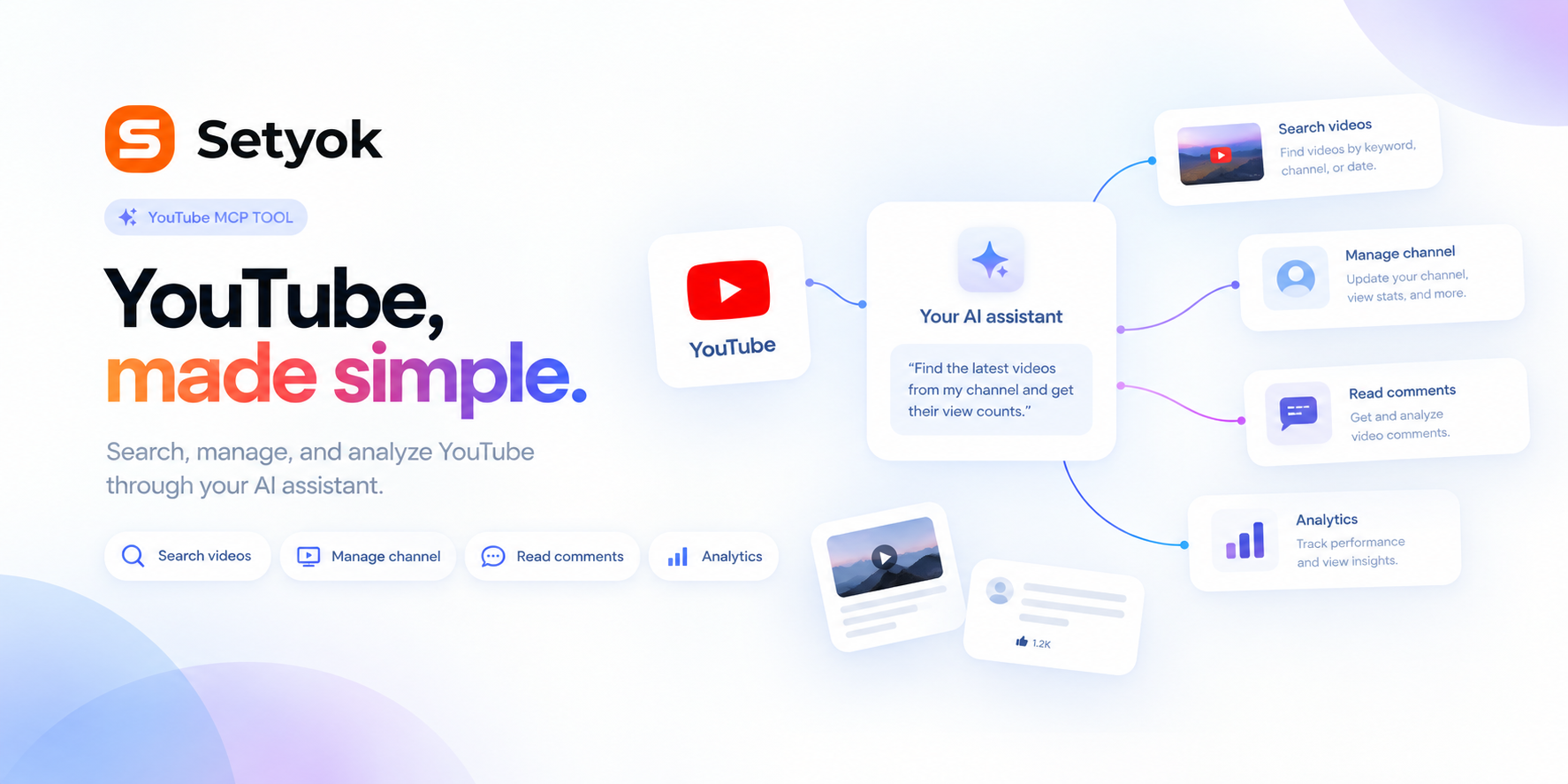
Add YouTube to your AI assistant with one click. No code, no setup.
Or connect manually with any MCP-compatible assistant
https://setyok.com/youtube/mcp
What it can do
Search Videos
Search YouTube for videos by keyword. Filter by date, duration, and sort order.
Get Video
Get full details, stats, and metadata for a YouTube video by its ID.
Get Channel
Get details and stats for any YouTube channel by ID or handle.
Get My Channel
Get details and stats for the connected YouTube channel.
List My Videos
List videos uploaded to the connected YouTube channel with view, like, and comment counts.
Get Video Comments
Get top comments on a YouTube video, sorted by relevance or date.
Search Channels
Search YouTube for channels by keyword.
Get Video Stats
Get view count, like count, comment count, and favorite count for one or more videos.
Upload Video
Upload a video to your YouTube channel from a public URL. Set the title, description, tags, category, and privacy status.
Update Video
Update the title, description, tags, or category of a video on your channel.
YouTube, controlled by your AI
Connect YouTube and let your AI search videos, manage your channel, read and moderate comments, and pull analytics on your content without opening the dashboard.
Use it to research competitor videos, find trending content in your niche, manage your uploads, or feed video performance data into broader marketing decisions.
What your AI can do
- Search YouTube -- find videos, channels, and playlists by keyword, with filters for date, duration, and order
- Get your channel -- see channel details, subscriber count, view count, and video count
- List your videos -- browse all uploads from your channel with view, like, and comment counts
- Get video details -- full metadata, stats, and description for any video
- Get video comments -- read top comments on any video, sorted by relevance or date
- Get channel details -- look up any public channel by ID or handle
- Get video analytics -- views, watch time, likes, and engagement for your videos
- Update video metadata -- change title, description, tags, and category on your uploads
Getting started
Connect your Google account using the OAuth button above. Your AI will have access to your YouTube channel and can also search and read public YouTube data.
Add YouTube to your AI assistant with one click. No code, no setup.
Or connect manually with any MCP-compatible assistant
https://setyok.com/youtube/mcp
Other tools
GitHub
Access GitHub repositories, issues, pull requests, code search, branches, commits, and more.
Computer
Give your AI a real computer it can use to get things done. Run tasks, work with files, install software, and automate anything all from the chat.
Weather
Get current weather data for any city.
Google Ads
Manage Google Ads campaigns, get performance reports, and optimize your ad spend with AI.
Meta Ads
Manage Meta (Facebook & Instagram) ad campaigns, creatives, audiences, and performance insights with full Marketing API access.
FAQ
Use cases
- Search YouTube for the top videos in your niche to research competitor content
- Have your AI pull view and engagement stats for all your recent uploads
- Ask your AI to find trending videos in a category from the last 30 days
- Let your AI read and summarize the top comments on a video
- Have your AI update the title, description, and tags on an underperforming video
- Ask your AI to compare your channel stats to a competitor channel
- Find YouTube videos to use as assets for Google video ad campaigns
- Let your AI identify which of your videos have the best watch time and engagement
Keywords