Get current weather data for any city.
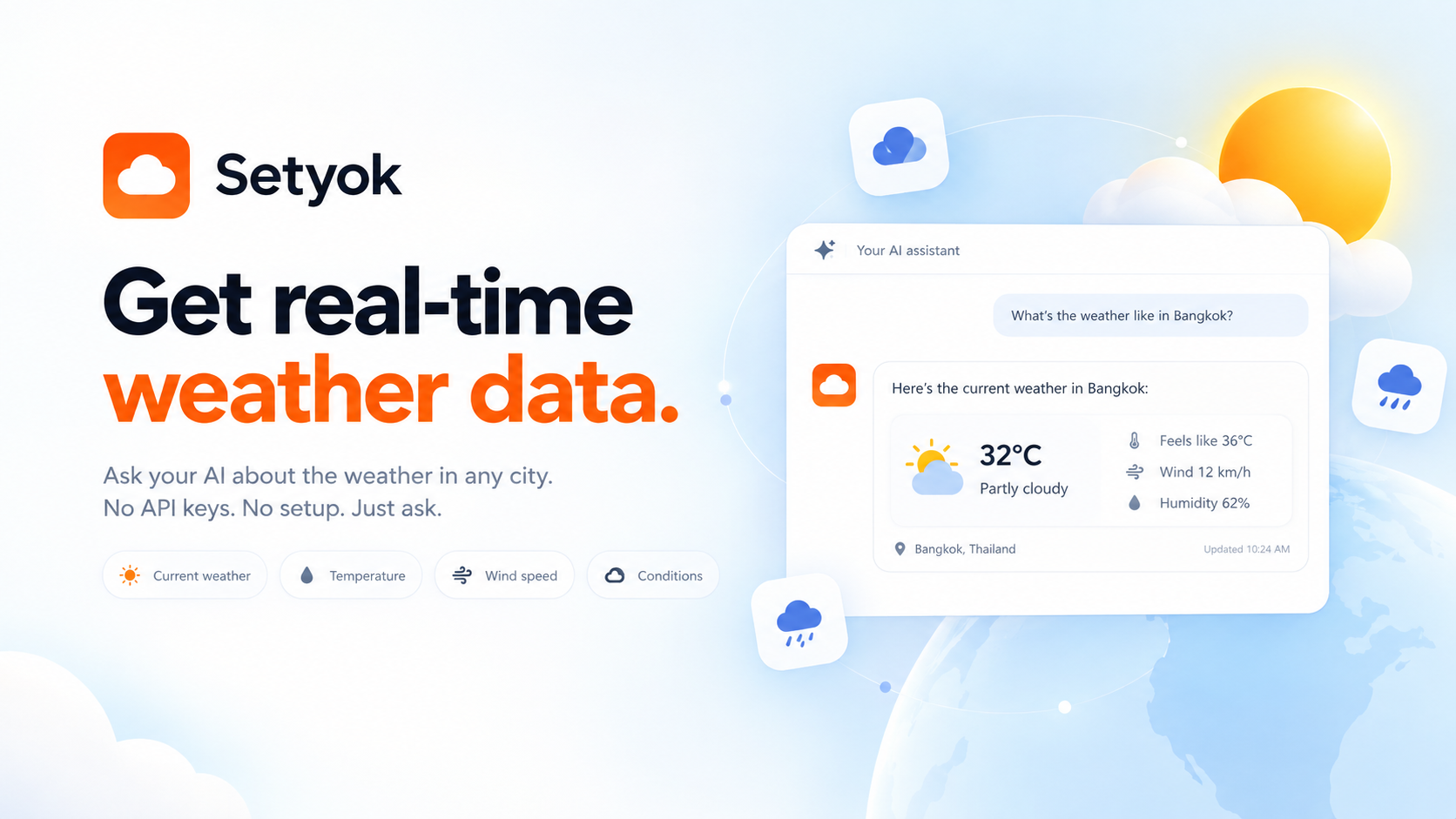
Add Weather to your AI assistant with one click. No code, no setup.
Or connect manually with any MCP-compatible assistant
https://setyok.com/weather/mcp
What it can do
Get Temperature
Get the current temperature and feels-like temperature for a city
Get Humidity
Get the current relative humidity for a city
Get Wind
Get the current wind speed and direction for a city
Get Precipitation
Get the current precipitation for a city
Get Visibility
Get the current visibility for a city
Get Conditions
Get the current sky conditions (clear, cloudy, rain, snow, etc.) for a city
Get Weather
Get full current weather summary for a city (temperature, humidity, wind, precipitation, visibility, conditions)
Add live weather to Claude, ChatGPT, and any AI assistant
The Weather MCP tool gives your AI assistant real-time weather data for any city in the world. No account connection, no configuration beyond pasting your endpoint. Ask your AI what the weather is like anywhere and it answers with live data, right inside your conversation.
This is the easiest way to add weather to Claude, ChatGPT, Open WebUI, Cursor, or any assistant that supports the Model Context Protocol (MCP). No account connection required. Just connect and go.
What your AI can do with weather data
Once connected, your AI can answer weather questions on demand:
- Current temperature: precise readings in Celsius for any city worldwide
- Humidity and feel: relative humidity and apparent temperature
- Wind speed and direction: including gusts, useful for outdoor planning
- Atmospheric pressure: in hPa, relevant for barometric trend questions
- Sky conditions: clear, cloudy, rain, snow, and more
- Any city, instantly: search by city name; works for thousands of cities across every country
Why give your AI access to weather?
Weather is one of the most common things people check, and one of the simplest ways to make your AI actually useful in daily life. Instead of switching to a weather app or a browser, you can ask your AI mid-conversation and get an immediate, contextual answer.
Real things people ask:
- "What's the weather in Tokyo right now?"
- "Is it a good day to go hiking in Barcelona?"
- "Compare the weather in London and New York today"
- "What should I pack for my trip to Dubai this weekend?"
- "Will it be cold enough for a coat in Paris tomorrow?"
- "What's the wind speed in Copenhagen today,good for sailing?"
Your AI can also weave weather into broader tasks: planning events, writing travel briefs, deciding on outdoor scheduling, or generating morning summaries that include conditions for your city.
How it works
The Weather MCP server fetches live data on each call. There is no caching. Every response reflects current conditions at the moment your assistant calls the tool. No account connection is required on your end.
Results include temperature, humidity, wind, pressure, and a human-readable description of current conditions. All data is returned in a structured format your AI can reason about and explain in plain language.
Compatible AI assistants
The Weather MCP server works with any assistant that supports the Model Context Protocol:
- Claude (claude.ai integrations and Claude Desktop)
- ChatGPT with custom connectors
- Microsoft Copilot Studio
- Open WebUI
- Cursor, Windsurf, and other AI-powered editors
- Any custom agent or workflow built on MCP
Getting started
- Copy your endpoint URL and token from this page. No sign-in required beyond a Setyok account.
- Add the endpoint to your AI assistant under Settings → Integrations or MCP servers.
- Start a conversation and ask: "What's the weather in [your city]?"
New Setyok accounts start with 100 free credits. Weather calls are free (0 credits per call) during the current period, making this the fastest zero-cost way to ground your AI in real-world conditions.
Add Weather to your AI assistant with one click. No code, no setup.
Or connect manually with any MCP-compatible assistant
https://setyok.com/weather/mcp
6
2
Other tools
Image Generation
Generate stunning images from text prompts using GPT Image 2. Choose your quality level or generate with reference images for editing and style transfer.
Audio Generation
Convert text to natural-sounding speech using ElevenLabs. Choose from thousands of voices, clone your own voice, and get a ready-to-use audio link.
Video Generation
Generate videos from text prompts or reference images using Google Veo 3.1. Choose resolution and aspect ratio, or animate from a first or last frame.
Music Generation
Generate original music from a text prompt. Full songs with structure or short 30-second clips, describe what you want and your AI composes it.
GitHub
Access GitHub repositories, issues, pull requests, code search, branches, commits, and more.
FAQ
Use cases
- Ask your AI for the current weather before planning an outdoor event
- Have your AI check the weather in a city you're traveling to next week
- Let your AI include live weather conditions in a daily morning briefing
- Ask your AI whether it's a good day to go running based on temperature and wind
- Have your AI compare the weather in two cities to help you decide where to meet
- Let your AI warn you if the temperature in your city drops below freezing
- Ask your AI to pick the best day this week for a picnic based on weather
- Have your AI suggest appropriate clothing based on today's conditions
- Let your AI answer "what's the weather like in Tokyo right now?" mid-conversation
- Ask your AI to factor in weather when planning a delivery or outdoor job
Keywords