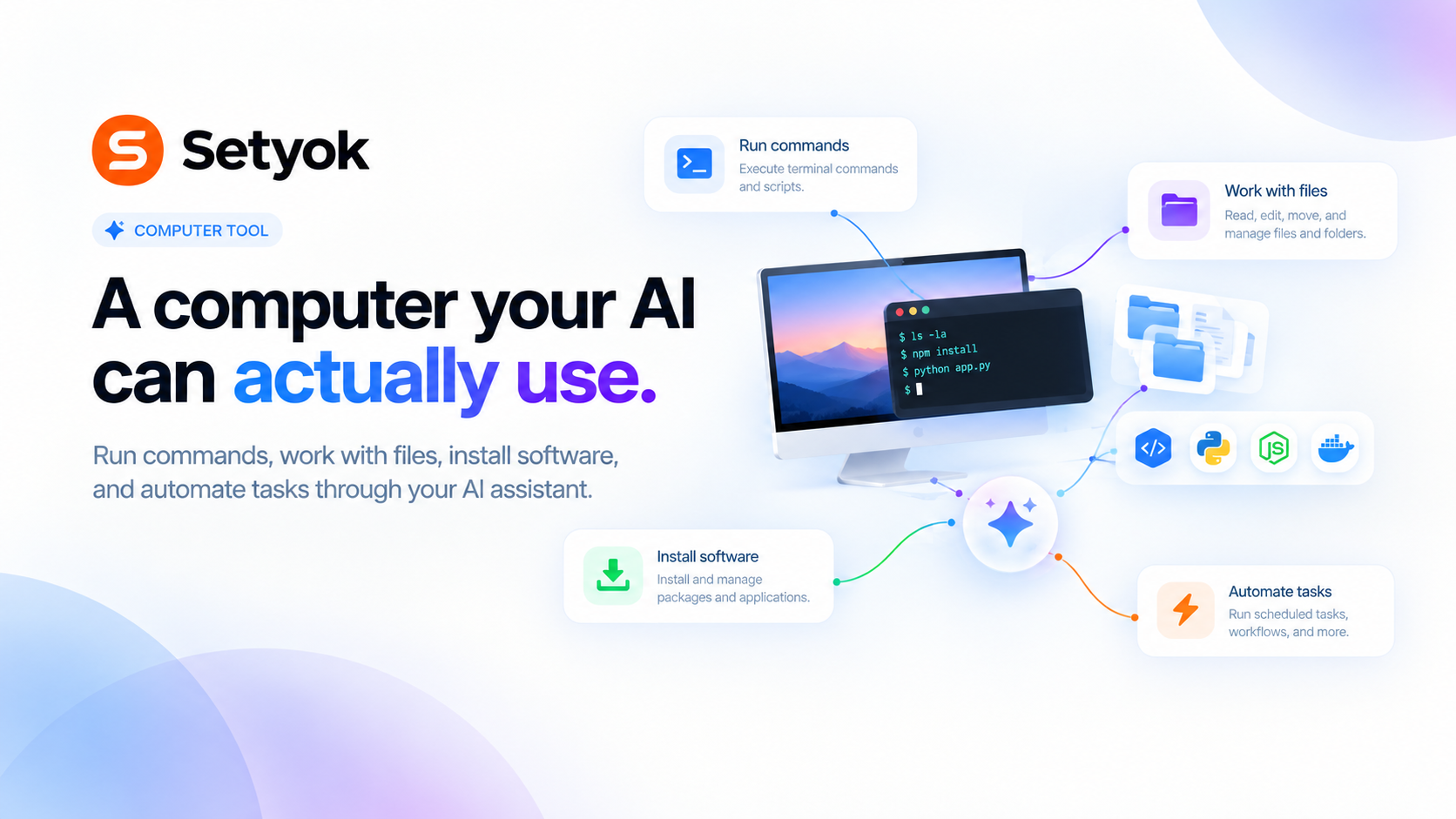
Give your AI a real computer it can use to get things done. Run tasks, work with files, install software, and automate anything all from the chat.
Add Computer to your AI assistant with one click. No code, no setup.
Or connect manually with any MCP-compatible assistant
https://setyok.com/computer/mcp
What it can do
Run Command
Run a command on the computer and get the output.
Write File
Create or overwrite a file on the computer.
Read File
Read a file, optionally a line range. Pass offset (0-based first line) and/or limit (max lines) to page through large files. Returns the requested slice plus total_lines so you can request the next chunk.
Find Files
Find files matching a glob pattern (e.g. **/*.ts, src/*.js) under a directory. Supports * (within a path segment), ** (across directories), and ? (single char).
Search Files
Search file contents with a regular expression (or literal string). Returns matching lines with file and line number.
Edit File
Make an exact string replacement in a file. Replaces the first occurrence of old_string, or every occurrence if replace_all is true.
Web Search
Search the web for current information. Calls a hosted search endpoint (Exa/Parallel) directly over HTTP. Useful for current events and data beyond your training cutoff.
List Files
List the files in a folder on the computer.
Get Status
Check whether the computer is currently running.
Stop Computer
Shut down the computer and stop billing. Everything on it will be removed.
A real computer your AI can use
Give your AI a full computer it can actually use not just talk about. Run code, install software, work with files, automate tasks. It starts when you need it and keeps running until you're done.
Your AI can pick up right where it left off across conversations, as long as the computer is still on.
What your AI can do
- Run anything: execute commands, scripts, builds, tests, data jobs if you can type it, your AI can run it
- Work with files: create, read, and organize files
- Install software: any package, tool, or dependency your task needs
- Automate tasks: chain steps together without you babysitting each one
What's ready to use
Git, Node.js, Python, and common build tools come pre-installed. Your AI installs anything else the moment it needs it.
Billing
20 credits when it starts, then 20 credits per day while it's on. Tell your AI to stop it when you're done. If your balance runs out, the computer shuts down automatically.
Compatible AI assistants
- Claude (claude.ai and Claude Desktop)
- ChatGPT with custom connectors
- Cursor, Windsurf, and MCP-compatible editors
- Any custom agent or workflow built on MCP
Add Computer to your AI assistant with one click. No code, no setup.
Or connect manually with any MCP-compatible assistant
https://setyok.com/computer/mcp
1,599
1
Part of
Other tools
Browser Actions
Ask a human to do something in their browser, navigate, click, screenshot, fill a form, or solve a captcha. The human completes the action and sends the result back.
Weather
Get current weather data for any city.
YouTube
Search YouTube, manage your channel videos, read comments, and get video analytics directly from your AI assistant.
Local Browser
Control your browser through a Chrome extension. Navigate, click, type, extract data, take screenshots, execute JavaScript, and more.
Image Generation
Generate stunning images from text prompts using GPT Image 2. Choose your quality level or generate with reference images for editing and style transfer.
FAQ
Use cases
- Ask your AI to install a library and run your code without touching your machine
- Have your AI clone a repo, make changes, and run the tests
- Let your AI process a batch of files and return the results
- Ask your AI to set up a project from scratch and verify it works
- Have your AI run a script that pulls data, transforms it, and saves the output
- Ask your AI to build and package your software in a clean environment
Keywords