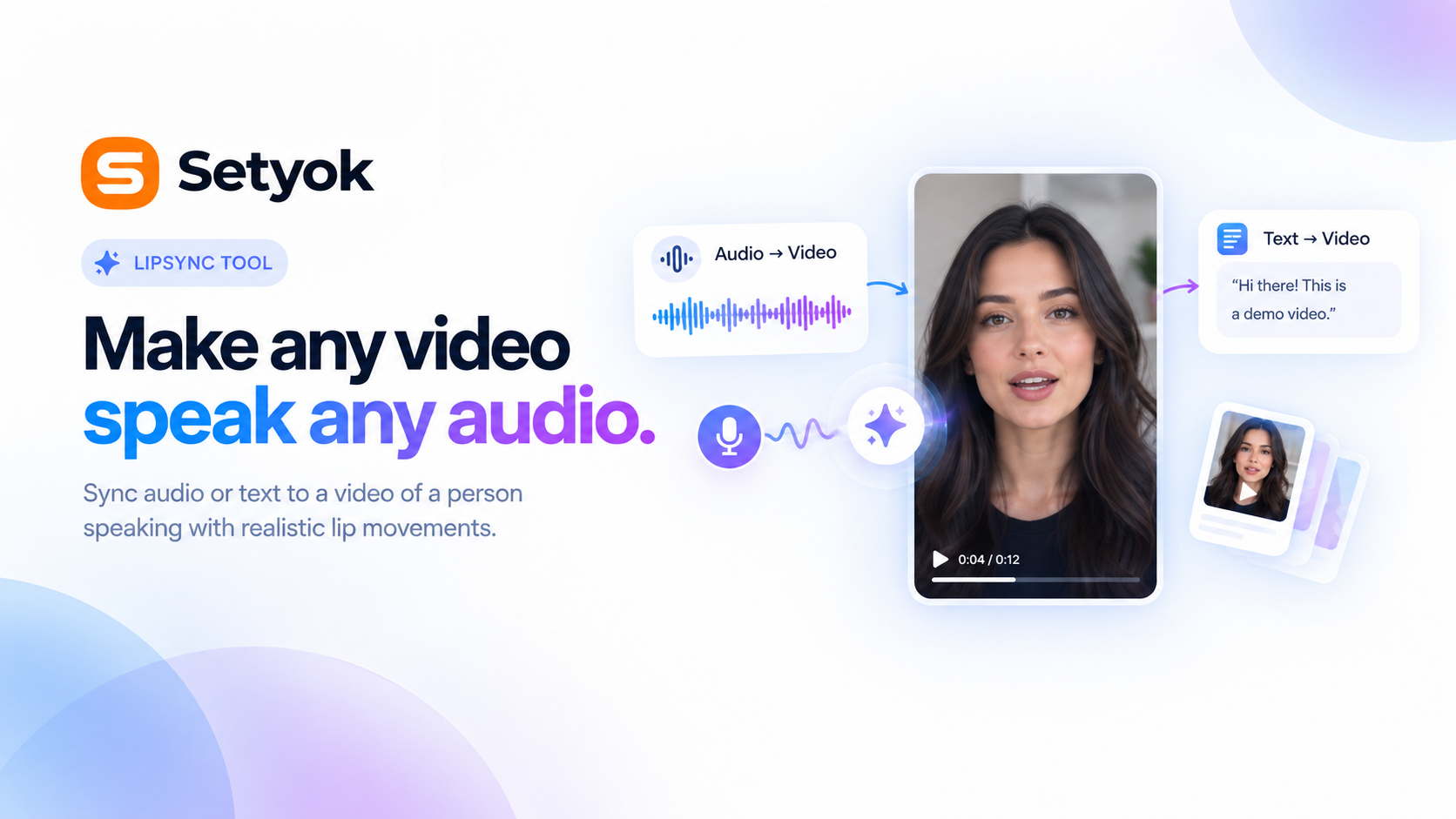
Sync any audio or text to a video of a person speaking. Generate realistic lip movements from an audio file or have the model speak text in a chosen voice.
Add Lipsync to your AI assistant with one click. No code, no setup.
Or connect manually with any MCP-compatible assistant
https://setyok.com/lipsync/mcp
What it can do
Lipsync: Audio to Video
Sync an audio file to a video of a person speaking. Generates realistic lip movements matching the audio. Returns a job_id to poll with check_lipsync_status (15 credits)
Lipsync: Text to Video
Generate speech from text and sync it to a video of a person speaking. Returns a job_id to poll with check_lipsync_status (15 credits)
Check Lipsync Status
Check the status of a lipsync job. Returns the video URL when completed. Call every 30 seconds after submitting (0 credits)
Make any video speak any audio
The Lipsync MCP tool lets your AI take a video of a person and synchronize their lip movements to audio you provide or text you want spoken. No reshooting, no studio.
Powered by Kling LipSync, the model generates realistic mouth movements frame by frame from the audio waveform no training data needed for the target speaker.
Two ways to use it
Audio to video provide a video clip and an audio file. The model syncs the person's lips to match the audio exactly. Use this when you already have the audio: a voiceover, a translated track, a generated speech file.
Text to video provide a video clip and the text you want spoken. The model generates the speech and syncs it in one step. Choose from a range of voices and languages.
What you can do
- Dub a video into another language without reshooting the speaker
- Animate a spokesperson to deliver a script
- Sync a generated voiceover from the Audio Generation tool to a video clip
- Localize product videos, tutorials, or explainers across markets
- Create looping background characters that speak extended dialogue
Source video requirements
- Format: .mp4 or .mov
- Duration: 2–10 seconds
- Resolution: 720p or 1080p (720–1920px width and height)
- File size: under 100MB
Compatible AI assistants
- Claude (claude.ai and Claude Desktop)
- ChatGPT with custom connectors
- Cursor, Windsurf, and AI-powered editors
- Any custom agent or workflow built on MCP
Getting started
- Copy your endpoint URL and token from this page
- Add the endpoint to your AI assistant under Settings or MCP servers
- Ask your AI: "Sync this audio file to this video clip"
New Setyok accounts start with 100 free credits.
Add Lipsync to your AI assistant with one click. No code, no setup.
Or connect manually with any MCP-compatible assistant
https://setyok.com/lipsync/mcp
5
1
Other tools
Image Generation
Generate stunning images from text prompts using GPT Image 2. Choose your quality level or generate with reference images for editing and style transfer.
Video Generation
Generate videos from text prompts or reference images using Google Veo 3.1. Choose resolution and aspect ratio, or animate from a first or last frame.
Video Edit
Edit and transform existing videos with a text prompt. Change styles, apply effects, or reinterpret a scene using FLUX Video Edit.
Audio Generation
Convert text to natural-sounding speech using ElevenLabs. Choose from thousands of voices, clone your own voice, and get a ready-to-use audio link.
Music Generation
Generate original music from a text prompt. Full songs with structure or short 30-second clips, describe what you want and your AI composes it.
FAQ
Use cases
- Dub a video into another language by replacing the audio and syncing the lips
- Have your AI generate a speaking video from a written script
- Animate a character to speak a voiceover you already generated
- Create a localized version of a product video without reshooting
- Generate a spokesperson video from a text brief
- Sync a generated audio track to an existing video clip
Keywords