Query search performance, top queries, page rankings, and index coverage from Google Search Console directly in your AI assistant.
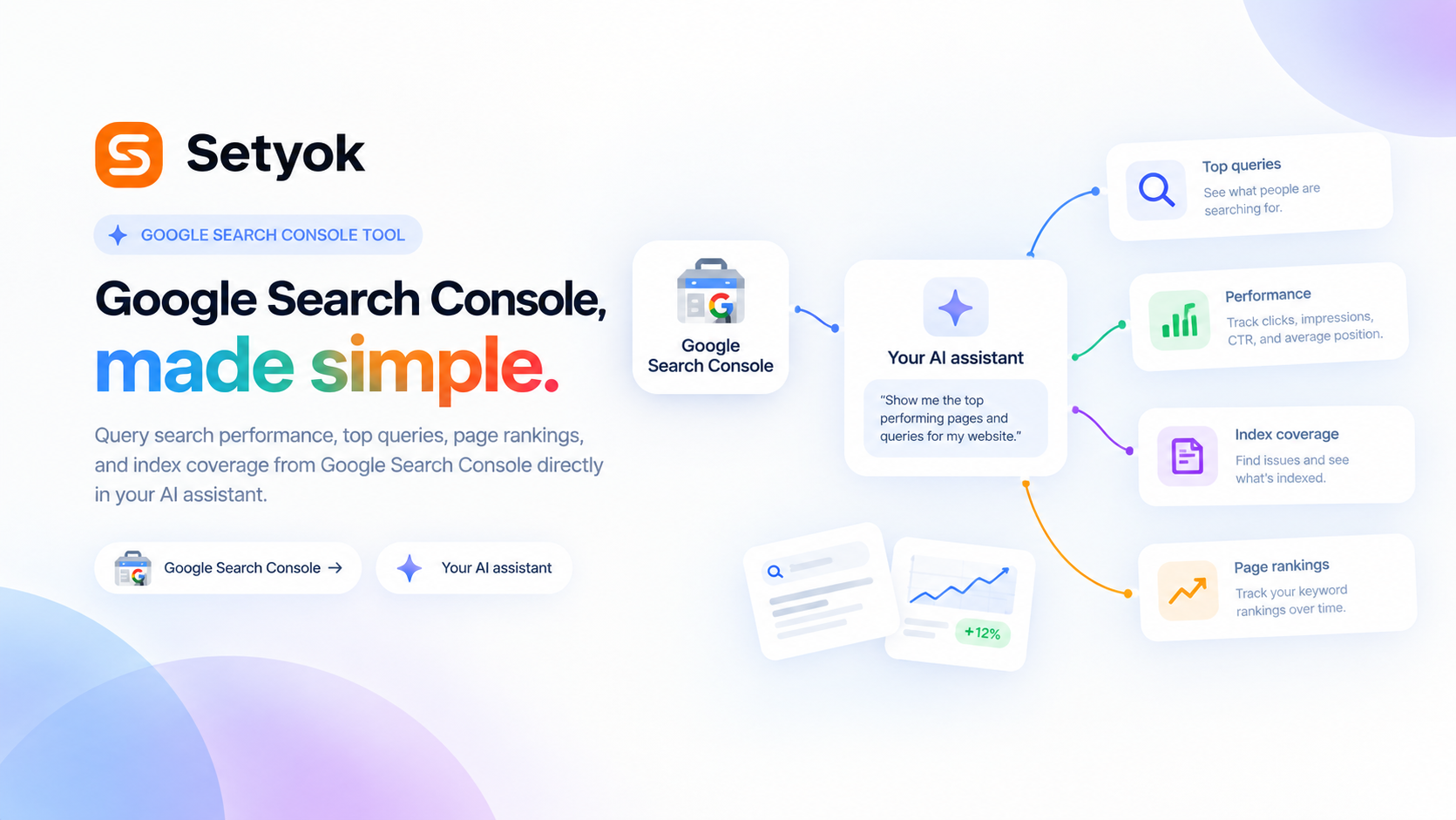
Add Google Search Console to your AI assistant with one click. No code, no setup.
Or connect manually with any MCP-compatible assistant
https://setyok.com/google-search-console/mcp
What it can do
List Sites
List all verified properties in Google Search Console for the connected account.
Get Search Performance
Get total clicks, impressions, average CTR, and average position for a site and date range.
Get Top Queries
Get the top search queries driving impressions and clicks to a site, sorted by clicks.
Get Top Pages
Get the top URLs ranked by clicks, impressions, CTR, and average position.
Get Queries for Page
See all search queries driving traffic to a specific URL.
Get Pages for Query
Find which of your pages rank for a specific search query.
Get Performance by Country
Break down clicks, impressions, CTR, and position by country.
Get Performance by Device
Break down clicks, impressions, CTR, and position by device type (mobile, desktop, tablet).
List Sitemaps
List submitted sitemaps and their status for a site.
Your organic search data, in your AI conversation
Connect Google Search Console and let your AI pull search performance reports, top queries, page rankings, click-through rates, and coverage issues without you opening the dashboard.
Use it to find keyword opportunities, spot traffic drops, identify pages losing rankings, and feed the best organic queries into your paid campaigns.
What your AI can do
- List verified sites -- see all properties under your connected account
- Search performance overview -- total clicks, impressions, average CTR, and average position for any date range
- Top queries -- which keywords are driving impressions and clicks to your site
- Top pages -- which URLs are ranking and getting clicked most
- Query performance for a page -- see all queries driving traffic to a specific URL
- Pages ranking for a query -- find which of your pages rank for a keyword
- Country breakdown -- performance split by country
- Device breakdown -- performance split by mobile, desktop, and tablet
- Sitemaps -- list submitted sitemaps and their status
Getting started
Connect your Google account using the OAuth button above. Your AI will have access to all verified Search Console properties under that account.
Add Google Search Console to your AI assistant with one click. No code, no setup.
Or connect manually with any MCP-compatible assistant
https://setyok.com/google-search-console/mcp
Other tools
Google Analytics
Query GA4 traffic, conversions, user behavior, and acquisition data for any property directly from your AI assistant.
Google Ads
Manage Google Ads campaigns, get performance reports, and optimize your ad spend with AI.
Browser Actions
Ask a human to do something in their browser, navigate, click, screenshot, fill a form, or solve a captcha. The human completes the action and sends the result back.
Image Generation
Generate stunning images from text prompts using GPT Image 2. Choose your quality level or generate with reference images for editing and style transfer.
Weather
Get current weather data for any city.
FAQ
Use cases
- Ask your AI which keywords are driving the most clicks to your site this month
- Have your AI find pages that rank on page 2 and could be pushed to page 1
- Ask your AI to compare search performance this month vs last month
- Let your AI identify which queries have high impressions but low CTR
- Have your AI pull all queries ranking for a specific product page
- Ask your AI to find keywords with improving or declining positions over time
- Let your AI export top organic queries to use as paid keyword targets in Google Ads
- Have your AI identify pages losing ranking positions month over month
Keywords